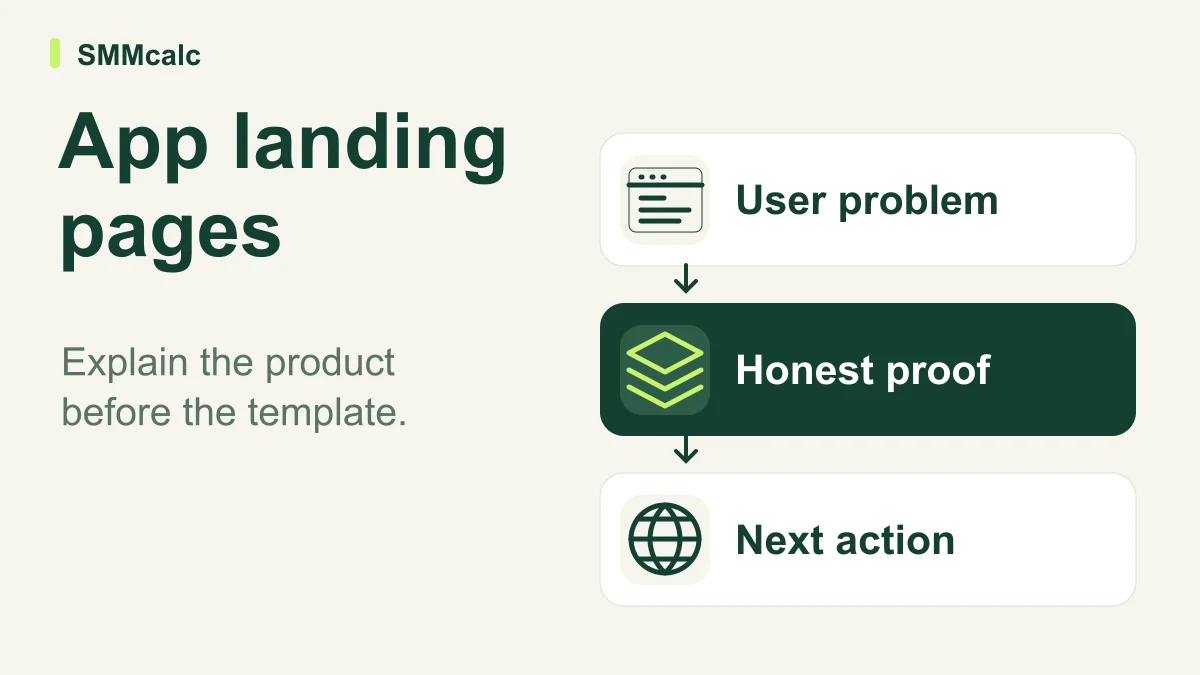
An app landing page needs to explain who the product helps, what it does and what the visitor should do next. Evaluate Unicorn Platform after that message is clear; a polished template cannot establish product demand or turn an unsupported benefit into persuasive evidence.
Write the product explanation first
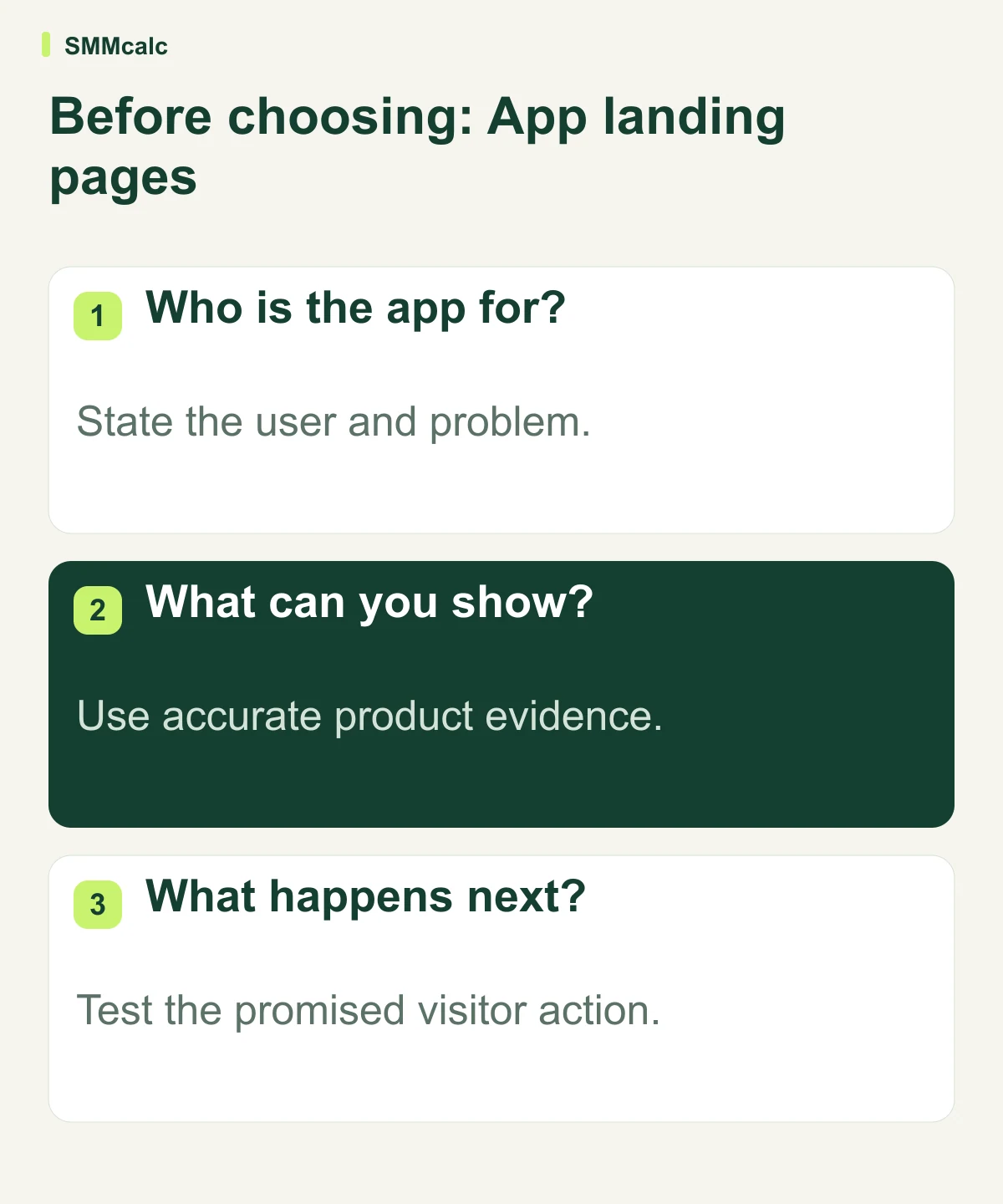
Use a concrete user problem, a plain description of the app and a relevant next step. Avoid a collection of broad benefit claims that could describe any product. A visitor should understand the proposed use before being asked to create an account or provide an address.
Use genuine product material where it helps the explanation. A real demonstration, clearly labeled concept or accurate diagram can support the message. Do not substitute a fabricated screenshot or imply availability for a capability the app does not yet have.
Test the page with a single action
A waitlist, demo request and download are different commitments. Choose the one appropriate to the product’s current state and make its consequences understandable. Inspect the destination and any follow-up so the page does not promise something the team cannot deliver.
- Read the page on a phone at ordinary viewing size.
- Check the product explanation before adding decorative sections.
- Complete the form or link and inspect the result.
- Confirm current publishing and domain requirements.
Where the builder enters the decision
Unicorn Platform is the source’s candidate for the page-building job. Assess its current editor and required features with the content you intend to publish. An attractive sample or a historical plan allowance does not establish fit for your account.
Investigate a different system when the requirement extends into product functionality, complex membership behavior or specialized integrations. Keep the app’s operating system separate from the page that introduces it. A simpler launch page can remain useful without being an all-in-one business platform.
A hypothetical waitlist page
Hypothetically, an app founder writes a page for a specific user problem and chooses one next action: joining a waitlist. A colleague unfamiliar with the product reads it on a phone and explains what the app is for. The founder fixes unclear messaging before judging the builder’s visual polish.
The practical next step
Create one page with accurate copy and a working next step, then evaluate the current Unicorn Platform workflow. Choose it for a launch requirement it demonstrably supports rather than a promise of conversion or immediate validation.
Compare current product information before choosing: Unicorn Platform, Systeme.io.