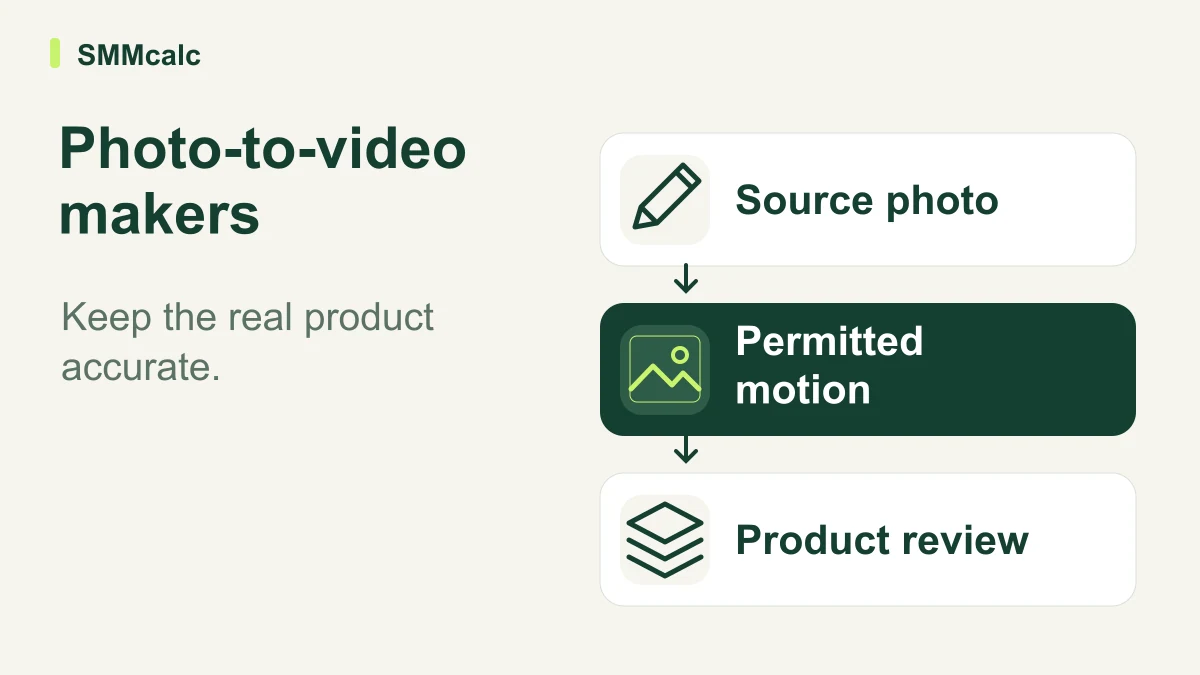
A photo-to-video maker should preserve the subject you need to represent accurately. InVideo is worth evaluating for this workflow only after you define what may move, what must remain exact and how the final clip will be checked before commercial use.
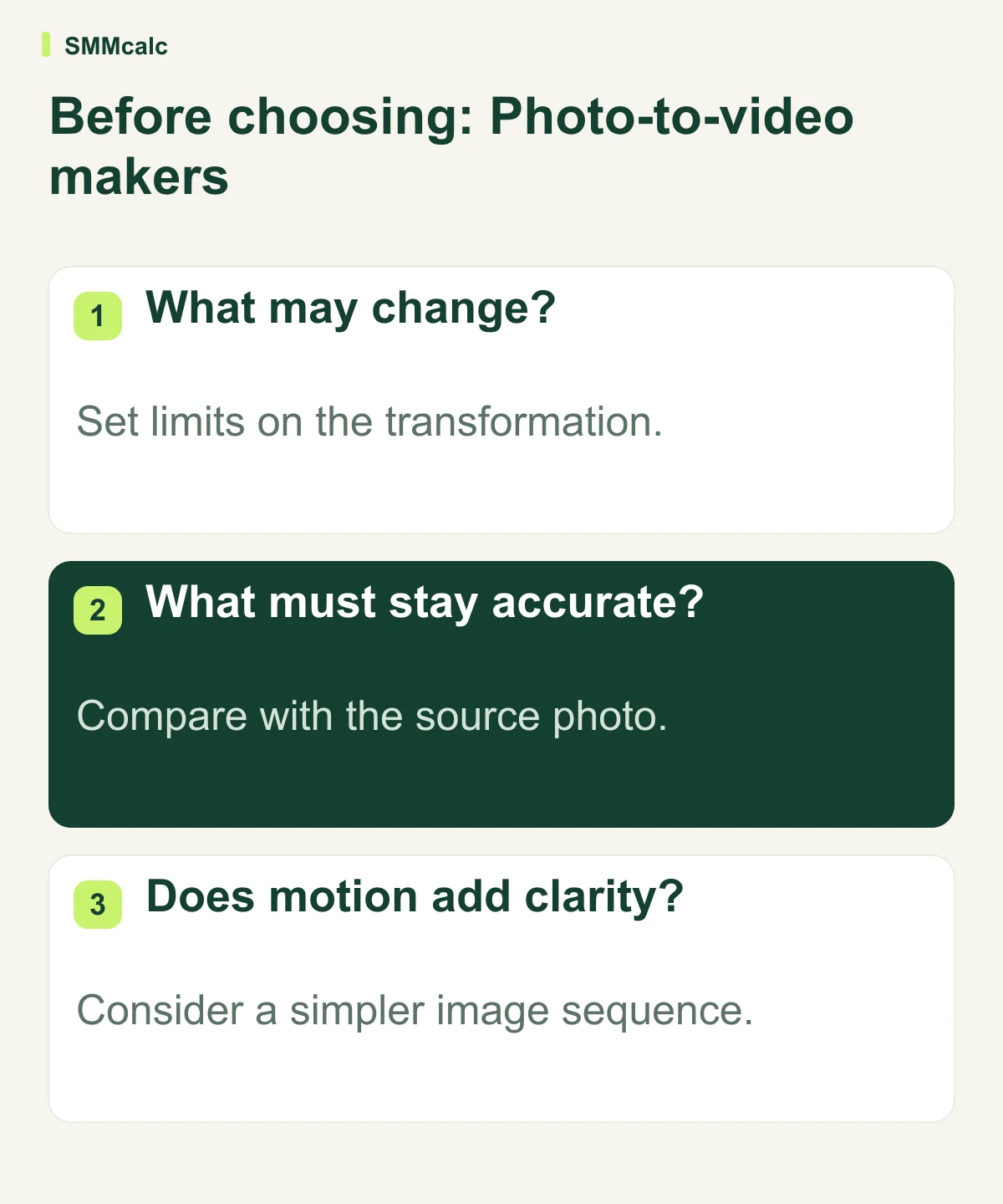
Set limits on the transformation
Separate permissible presentation changes from changes to the product itself. A crop or conceptual transition has a different implication from a generated feature or altered label. The creative brief should state what must remain recognizable and what the clip is allowed to communicate.
Keep the source photograph available during approval. It provides a concrete reference for shape, color and visible detail. A plausible-looking result can be less accurate than a simple static image, so visual novelty should not become the acceptance standard.
Evaluate one meaningful clip
Use the type of image you actually publish, including the difficult detail that tends to require correction. Inspect the final size and pacing rather than only a large preview. If captions or labels matter, check their readability in the actual intended context.
- Confirm permission for the source photo and intended use.
- Describe the message and prohibited changes.
- Inspect product detail and continuity across the clip.
- Count corrections and rejected output in the production effort.
Choose motion only where it adds information
InVideo is a candidate for assisted production, but the current account experience and required features need direct checking. Do not assume an old export allowance, watermark condition or universal lack of manual control remains accurate.
Compare with a straightforward sequence of still images when the point is to explain a product rather than suggest movement. A simpler route can communicate the message more clearly and make factual review easier. Choose the result you can approve honestly, not the workflow with the most dramatic demonstration.
A hypothetical product-image review
Hypothetically, a retailer provides an authorized photo of a product with a small label. Reviewers compare the video with the original, checking the label, shape and implied movement at the intended display size. They reject an eye-catching variation if it changes the product or suggests a function the photograph cannot establish.
The practical next step
Test one representative product image and inspect the complete clip before choosing a plan. Keep InVideo if the approved result fits the message and correction process; retain a simpler slideshow or edit when generated motion adds uncertainty.
Compare current product information before choosing: InVideo.