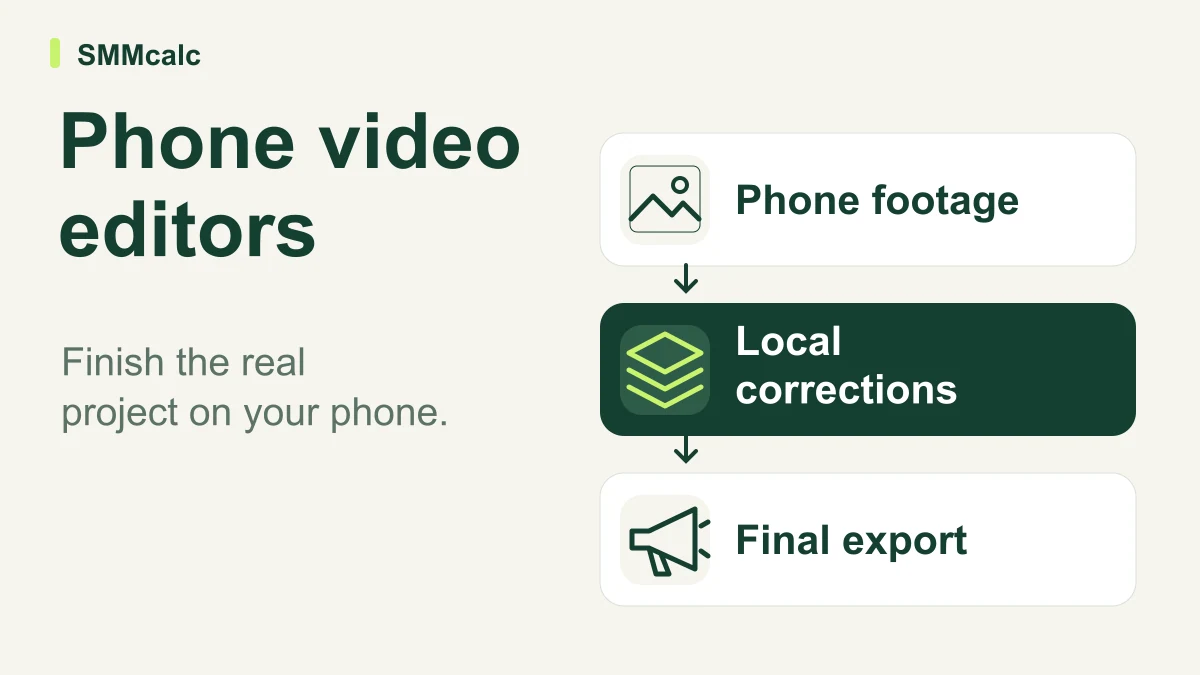
The best phone editor is the one that lets you finish your actual project on the device you use. Evaluate InVideo as one candidate for assisted production, while separately checking the mobile controls, correction steps and delivery requirements that a desktop demo cannot establish.
Start with the device and material you actually use
A phone editor must fit the full route from recording to final upload. Check the current app, account and device rather than inferring mobile behavior from a desktop demonstration. A feature that exists somewhere in a product family may not behave the same way in the workflow you intend to use.
Bring your own representative footage to the evaluation. A clean promotional sample does not expose the problems in your usual recordings, such as a correction to a name or a cut that needs a precise adjustment. Decide which corrections must remain possible on the phone.
Check access before committing to a mobile workflow
Inspect the available starting terms and the export you actually need. Do not assume a historical free allowance, watermark condition or plan name remains current. The point of evaluation is to find whether you can finish the project, including a realistic correction, under the terms available to you.
- Import the material you normally record.
- Correct one caption and adjust one edit.
- Inspect readable text and important details at viewing size.
- Complete the final export without an unexpected device handoff.
A hypothetical phone-only project
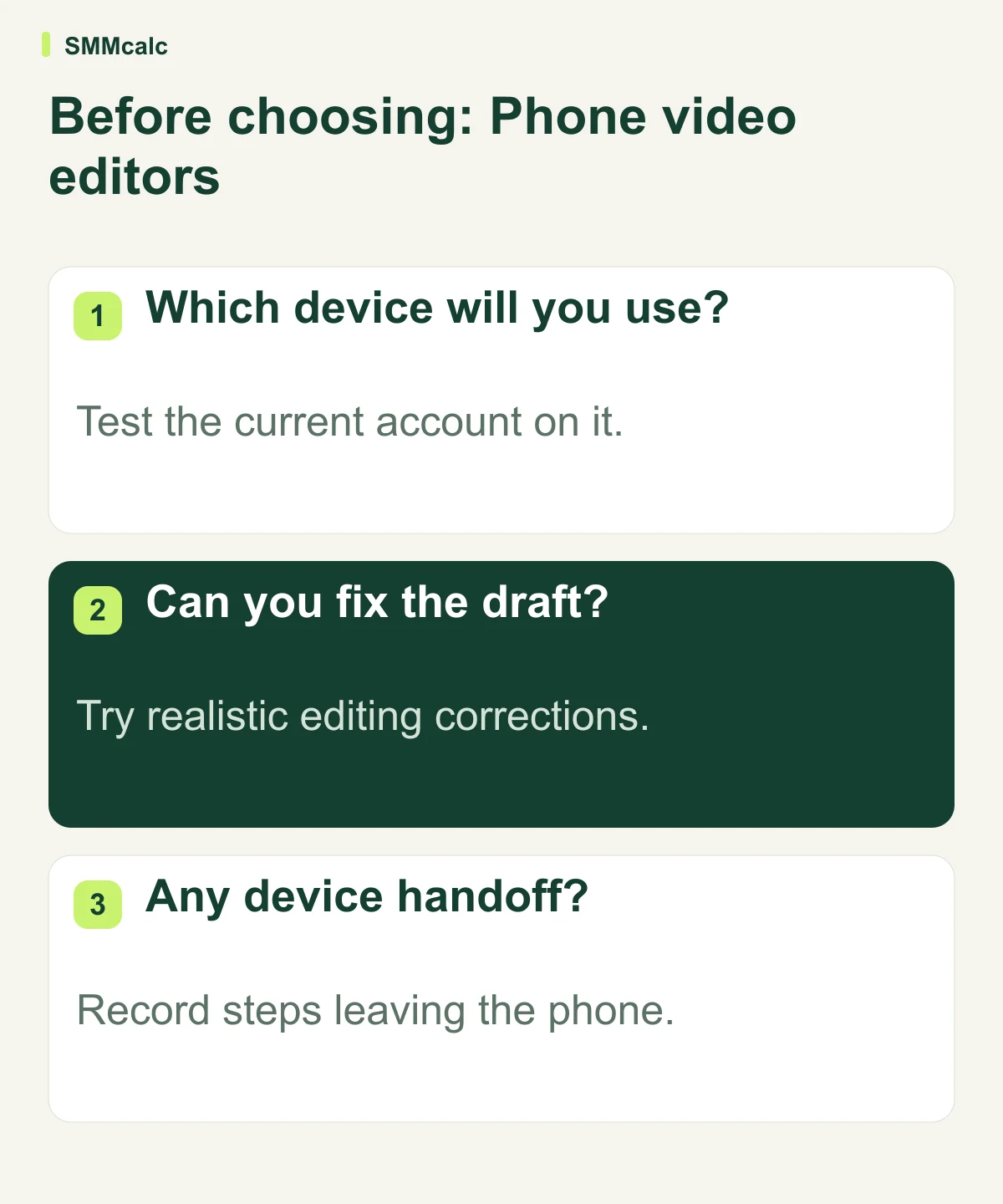
Hypothetically, a coach records a short demonstration on her phone. She imports it, corrects one spoken-name caption, adjusts one cut and exports the required format without a desktop handoff. She notes every step that requires another device before deciding whether assisted generation solves her actual editing problem.
Compare assisted editing with your present route
InVideo is one candidate for assisted production. A traditional editing route may remain preferable when the source footage is already strong and you need precise local corrections. Assess the current controls directly instead of repeating a blanket claim that all assisted editors lack timeline control.
Record steps that require moving to another device or another application. Some handoffs may be acceptable; others defeat the reason for choosing a phone workflow. The meaningful comparison is the complete process at your quality standard, not a promise to generate a clip quickly.
Keep the workflow that finishes the work
Use one real mobile project to compare the current InVideo experience with your existing editor. Keep the tool that makes the complete device-specific workflow easier at your quality standard; do not choose from a universal ranking.
Inspect the current product details before choosing: InVideo.