
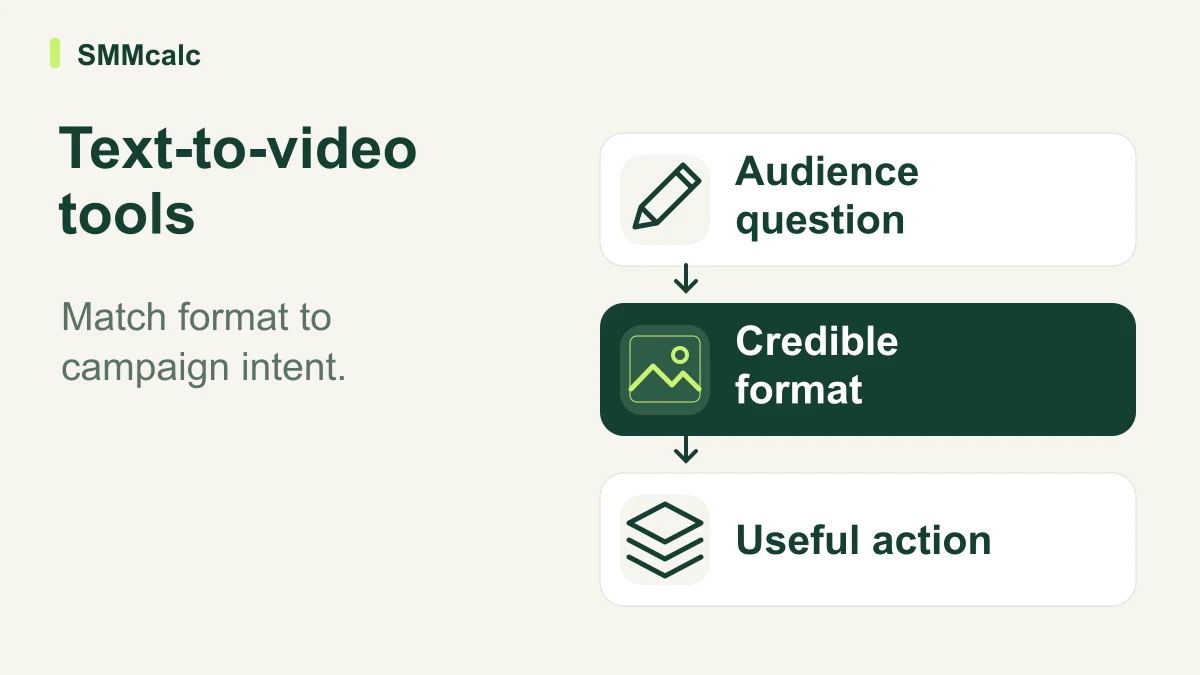
The best text-to-video software for a marketer depends on the asset the campaign is missing. An explanation built from a new brief, a summary of an approved article and a presenter-led product ad are different assignments, even when all three begin with text.
The verdict: select the production route after you define the audience question and the desired action. A tool that generates attractive scenes can still be a poor fit if the resulting format cannot explain the offer credibly.
Write the campaign asset brief first
A useful brief fits on one page: who will see the video, what they need to understand, which claim you can support and what they should do next. Include the source material and any evidence the visuals must show.
Avoid asking a generator to solve several campaign problems at once. “Create a video that builds awareness, explains every feature and closes the sale” makes it difficult to judge whether the output does any one job well.
Instead, choose a specific question such as how the service works or why a product feature matters. That decision gives the script a clear shape and makes visual selection less arbitrary.
Three routes from text to a campaign asset
The tools below document different starting points. Use these scenarios to choose a pilot, while checking the actual workflow and current plan before you buy.
| Tool | Assignment to investigate | Key review question |
|---|---|---|
| InVideo | Building a new video around a campaign brief | Does the generated sequence explain your approved proposition? |
| Pictory | Adapting an existing script or article | Does shortening preserve the useful argument and its qualifications? |
| JoggAI | Presenting product information through an avatar-led format | Does the presentation remain accurate without implying a real testimonial? |
For a campaign that starts with a new brief, explore InVideo’s current creation workflow. Treat prices, export conditions and generation allowances as purchase details to confirm, rather than assumptions inherited from a comparison table.
Make the source of credibility visible
Identify why the viewer should believe the message before choosing a visual style. A genuine product demonstration, a clear explanation and a real customer's experience provide different kinds of support.
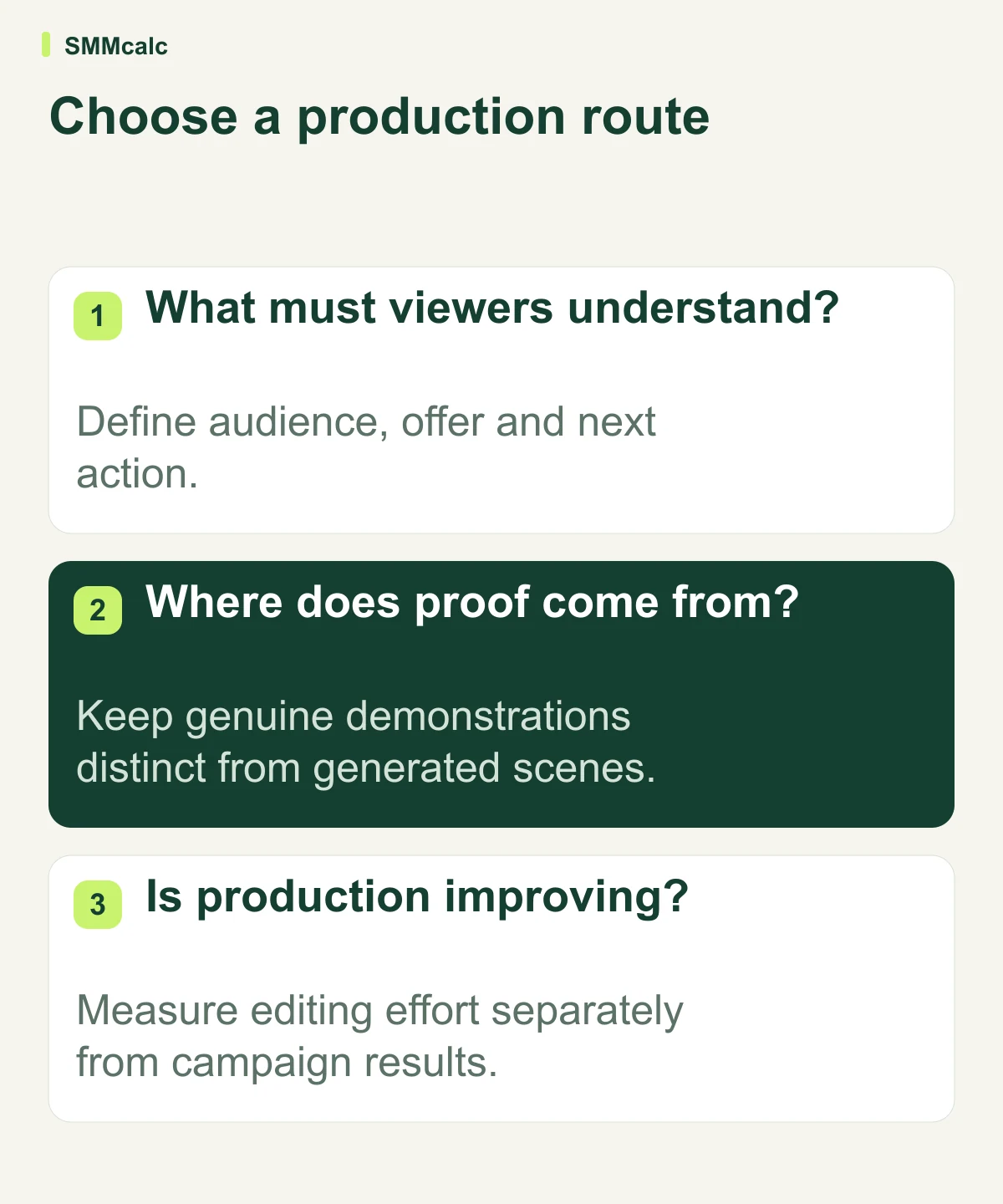
If the point depends on a product doing something observable, use footage or imagery that accurately shows it. Do not substitute a plausible generated scene for evidence of a function the real product has not demonstrated.
If the point is educational, a simple diagram or carefully chosen sequence may communicate more than decorative stock footage. The scene should carry information, not merely fill the space while the narrator speaks.
A hypothetical launch example
Imagine a business introducing a scheduling service to owners who currently arrange appointments by email. Its approved message is that customers can select from the available times shown in the business's actual booking flow.
One video might explain that process, another might summarize a help article, and a third might present the same explanation through a narrator. Keep the product claim and final action constant while comparing which format communicates the process clearly.
This is an illustrative creative exercise, not a claim about any tool's results. Ask reviewers to explain what they understood and which details remained unclear before judging the videos by polish.
Only after a format passes that comprehension check should the team vary hooks or presentation. Otherwise, more variations can multiply an unclear message instead of improving it.
Use the alternatives to test different assumptions
InVideo is relevant when the team needs to direct the assembly of a new visual draft. The tradeoff is the amount of editorial work needed to turn a broad brief into a precise, supported message.
Pictory fits an evaluation built around existing approved text. Check what gets removed during adaptation, because the original article's context may be necessary to keep a shorter explanation accurate.
JoggAI is relevant when a presenter format helps explain the product. Check whether that delivery suits the audience; an avatar should not impersonate a real customer or imply firsthand use that never occurred.
A familiar editor may be the better option when the campaign already has strong footage and only needs assembly, subtitles or a revised final frame. A new generation workflow is useful only if it improves a real production constraint.
Measure work and outcomes separately
Production evaluation asks how much effort it takes to create an approved asset. Campaign evaluation asks what happens after the audience sees it, and those are separate questions.
Track briefing, corrections, factual review and export time alongside software charges. Count failed drafts so the comparison reflects the whole process rather than just the videos that happened to work.
For live campaign testing, decide the business metric and comparison conditions in advance. More generated clips, views or clicks alone do not establish that the offer or campaign has become more effective.
Buy for the next repeatable assignment
A good first purchase has an obvious next use: another approved article, another recurring explainer or another product with a clear brief. If every project needs a different process, keep the commitment small until the pattern becomes clear.
When the brief-led route matches your actual workload, check InVideo against a representative campaign asset. If the bottleneck is adapting existing text or choosing a presenter format, begin with the corresponding alternative instead.
Explore InVideo only after you can describe the assignment it needs to solve. The strongest choice is the one that consistently helps your team communicate an accurate message with manageable review work.
Capability verification used InVideo’s official product page, Pictory’s script-to-video guide and JoggAI’s product-video documentation.
