A cheap CRM becomes expensive when the team cannot keep records current or the required follow-up sits outside the entry plan. Compare one complete sales workflow before comparing headline prices. A focused contact system and a broad suite such as HighLevel solve different problems, and consolidation only saves money when you can retire tools you genuinely use.
Map one enquiry to its next action
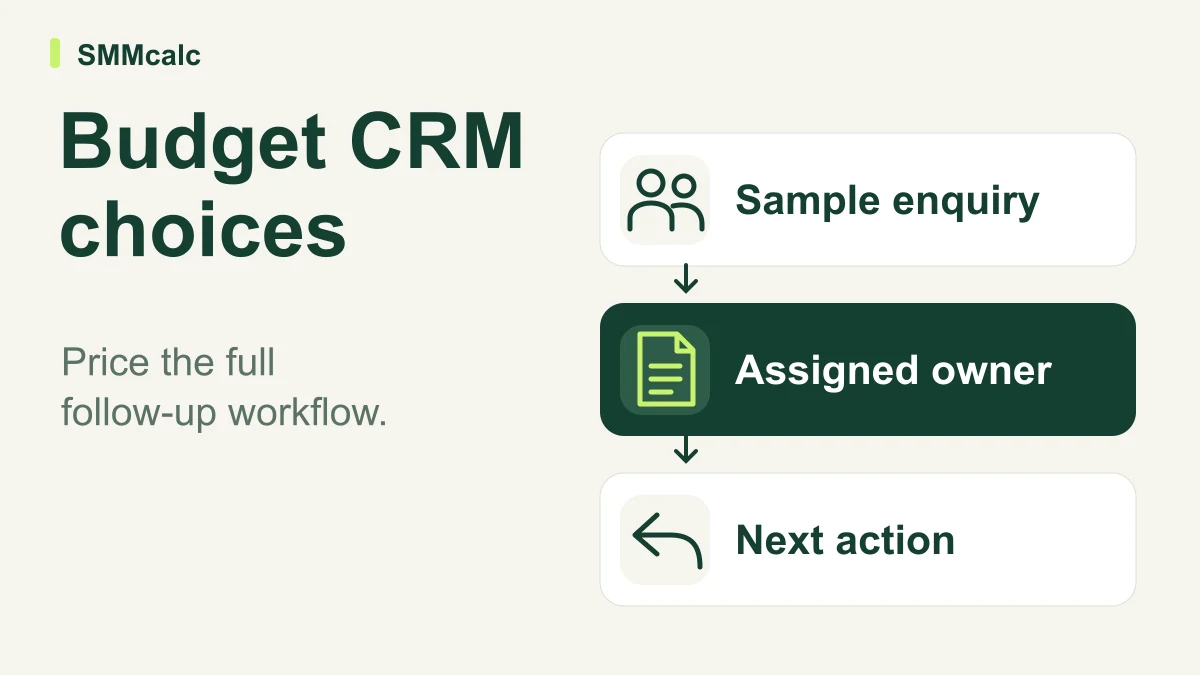
Write down where an enquiry arrives, which record it belongs to and who is responsible for responding. A useful CRM comparison follows that enquiry until the next action is visible to the right person. A colourful pipeline is insufficient if ownership remains in somebody’s private inbox.
Use a small fictional or otherwise permitted contact sample. Import the fields you need, assign an owner, record a conversation and schedule a follow-up. Ask another team member to find the current status without an explanation from the person who created it.
Compare a focused CRM with a broader suite
HighLevel belongs in the comparison when the job extends beyond contact tracking into a connected marketing workflow. Its current pricing page checked on October 28, 2026 identifies usage-based charges for certain communication and AI services. Treat the platform subscription as one part of the cost.
If the actual job is maintaining a sales record and the next task, a broader suite can introduce setup you do not need. If several related marketing tasks genuinely need connecting, test the handoffs and count an existing subscription as replaced only when its real job is covered.
Brevo is another candidate for a sales-and-marketing workflow; check current user, pipeline and automation access rather than inferring them from a free-plan label. Systeme.io is relevant when evaluating an offer or funnel workflow, but that does not establish that it satisfies a team’s CRM requirements.
Price the workflow you tested
Include the required users, data access, messages, automations and integrations. Add migration, configuration and the work of maintaining records. A low entry price can be enough for one task while leaving another task dependent on an add-on or a different plan.
Estimate from your intended use rather than comparing unlike headline subscriptions. Avoid counting an unused tool as a saving or treating a hypothetical extra sale as proof of return. Check current billing and cancellation terms before committing to a longer period.
Check adoption before moving the database
Repeat the normal task on the devices the team uses. Check permissions, search, record updates and a useful export. If an essential custom object, reporting rule or integration cannot be demonstrated, keep that gap visible instead of assuming the team will work around it later.
Good fit: Small teams with a clear contact-to-follow-up process who need to compare practical adoption and complete operating cost across CRM options.
Main tradeoff: A broader suite adds setup decisions, while usage-based communication costs and paid capabilities can make the subscription an incomplete cost comparison.
A situation to work through
Hypothetical example: a local service team imports a small sample of enquiries, assigns an owner and schedules the next action. A second person checks whether they can see the latest conversation without asking a colleague. The evaluator records migration effort, training and communication charges before comparing a focused CRM with an all-in-one suite.
Three checks before choosing
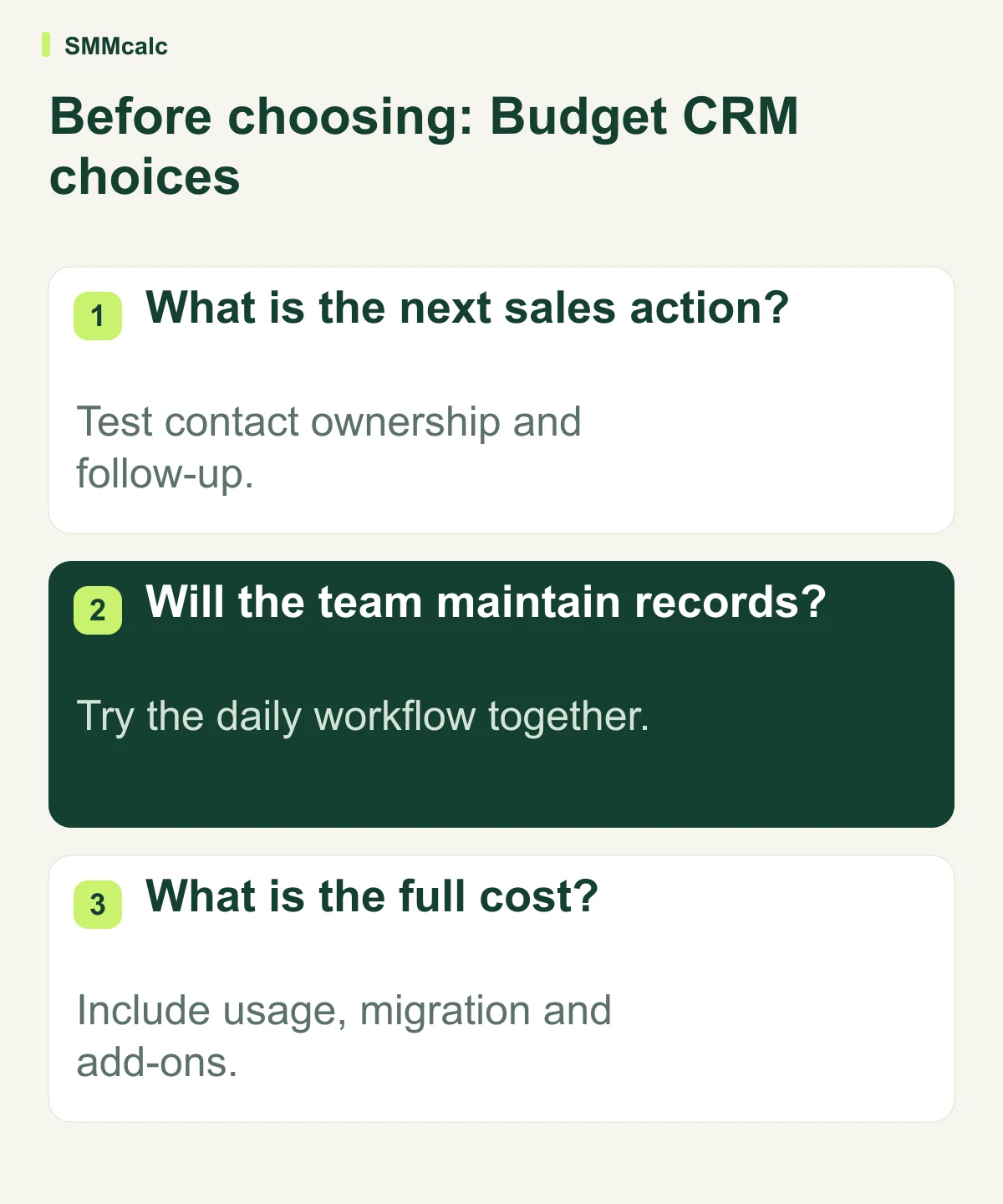
- What is the next sales action? Test contact ownership and follow-up.
- Will the team maintain records? Try the daily workflow together.
- What is the full cost? Include usage, migration and add-ons.
Your next step
Test import, ownership and follow-up with sample contacts before migrating. Compare the full cost of the required workflow and the effort to maintain it. Choose an all-in-one suite only when its additional capabilities serve an actual need.