
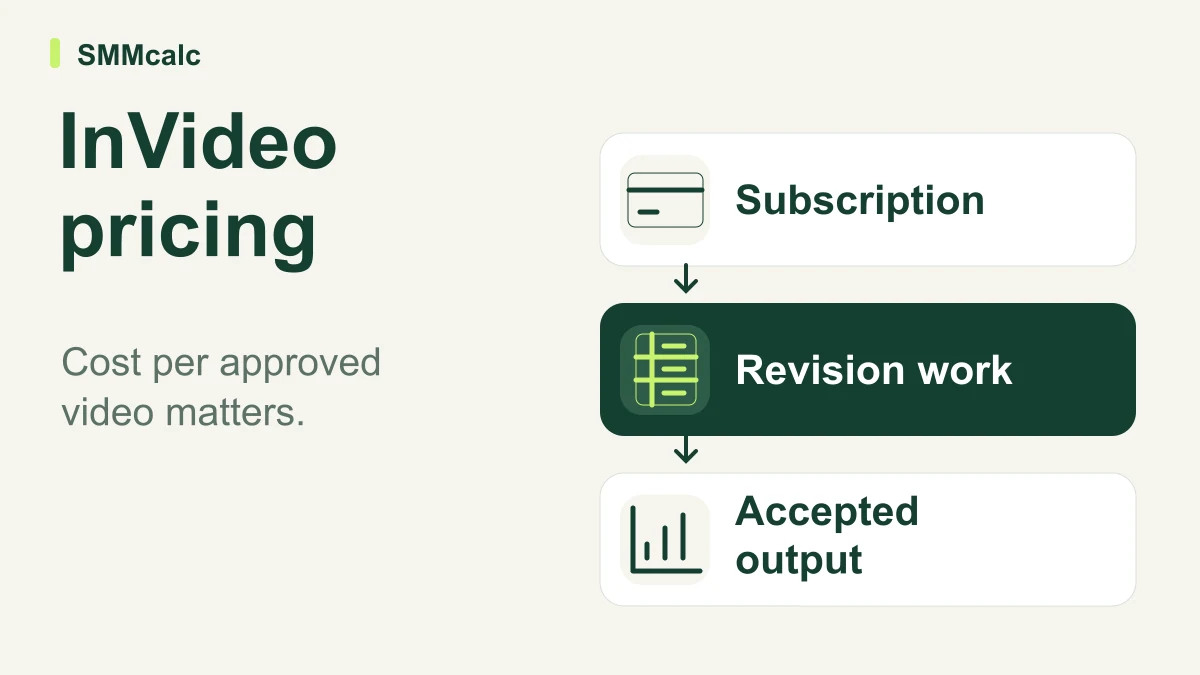
InVideo AI pricing is useful only when connected to the videos you can actually approve. A lower subscription fee does not guarantee a lower production cost, and a larger credit allowance does not guarantee more publishable work. Include the effort and unsuccessful attempts between starting a project and accepting the final edit.
Begin by checking the current available plans, then calculate what the required workflow would cost you. This article deliberately separates that calculation from a permanent price list, because plans, offers and model access change. A figure displayed as a monthly equivalent can also involve annual billing.
Build the cost from four separate inputs
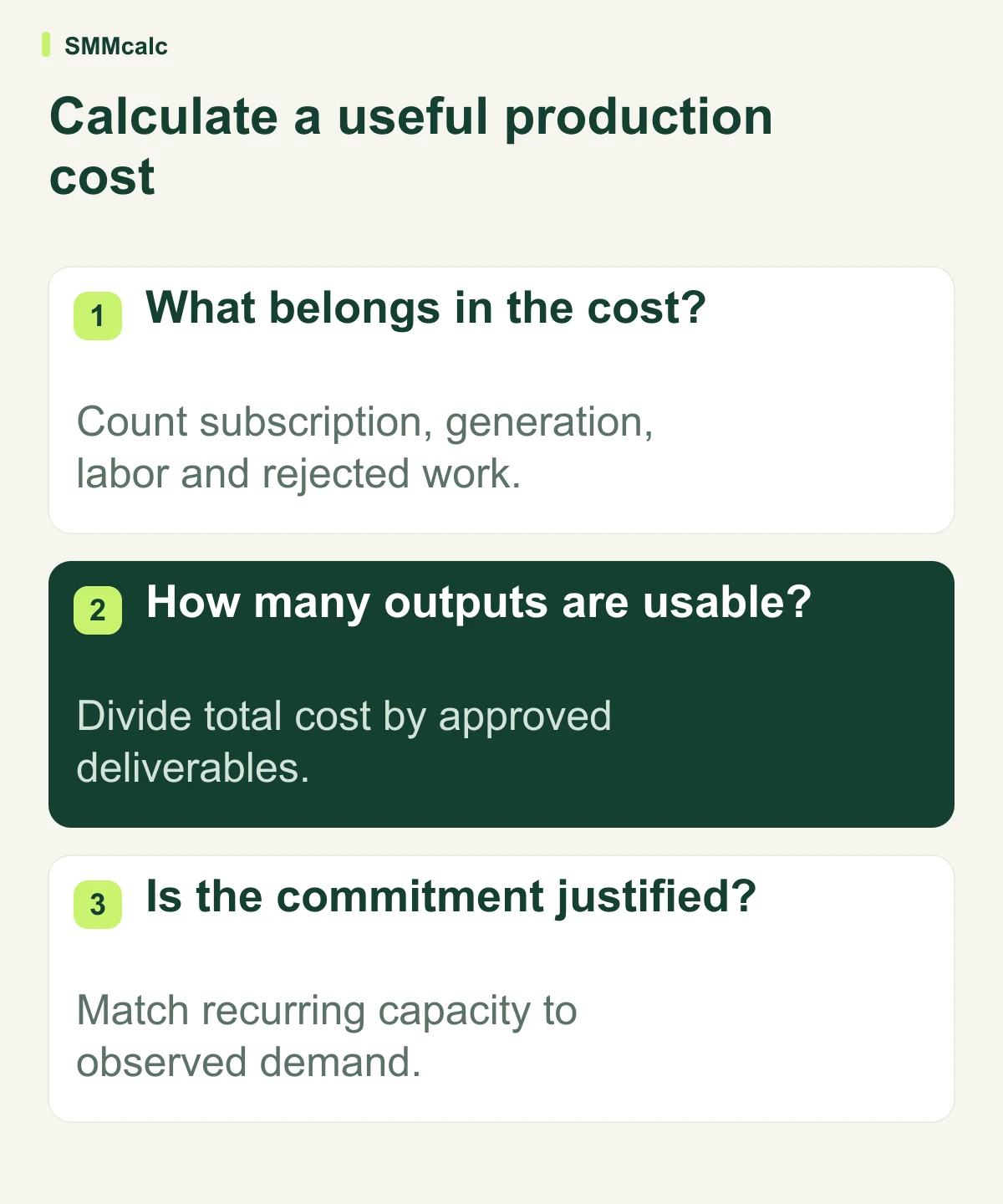
First, record the recurring platform charge at the billing term you intend to buy. Second, include any extra credits or required seats. Third, count the incremental time spent briefing, revising and approving the work. Fourth, divide the total by finished videos that meet your standard, rather than every generated draft.
Keep existing fixed costs separate unless the new tool genuinely replaces them. Counting a subscription you never planned to buy as a saving makes the calculation look better without changing your budget. Conversely, excluding the time spent repairing output makes the process look cheaper than it is.
A hypothetical cost-per-video calculation
Assume an entirely hypothetical month with $60 in software spending, three hours of additional production work valued at $25 per hour, and nine approved videos. These numbers are illustrative inputs, not InVideo prices, observed results or an earnings estimate.
| Illustrative input | Calculation | Amount |
|---|---|---|
| Software spending | Hypothetical monthly total | $60 |
| Incremental production work | 3 hours × $25 per hour | $75 |
| Combined production cost | $60 + $75 | $135 |
| Approved deliverables | 9 accepted videos | 9 |
| Cost per approved video | $135 ÷ 9 | $15 |
If only three videos meet the same standard, the identical $135 total becomes $45 per approved video. The subscription has not changed; the usable yield has. This is why a trial should record rejected attempts and correction time instead of only the number of drafts generated.
Use your own internal labor value and avoid treating all saved minutes as cash in the bank. A freelancer paid per project, an employee with spare capacity and a solo creator working evenings have different financial constraints. The calculation supports a decision; it does not prove a return on investment.
Add a second scenario for a quieter month. If you finish fewer videos while the recurring bill stays the same, the average cost rises even when the workflow behaves exactly as expected. This helps distinguish a subscription justified by steady production from one that mainly serves an occasional burst of work.
You can also set a review threshold before subscribing: the largest total cost you are willing to accept for the required batch. Derive that threshold from your budget and present workflow rather than a promised growth rate. If the representative project exceeds it, reduce scope or keep the existing process.
Why credits do not translate cleanly into finished minutes
InVideo explains that charges depend on AI work, models and generation settings. Manual timeline editing is treated separately. A video assembled mainly from supplied footage can therefore follow a different spending pattern from one requiring repeated generated scenes.
Do not assume every edit consumes credits, or that every request is free. Distinguish manual adjustments from delegated agent work and inspect the project’s usage. The relevant question is what your particular approval process spends, including discarded output.
A more expensive generation mode may be justified for one essential shot and wasteful for background material. Set an editorial reason for it before comparing the bill. The highest available resolution or most elaborate model is not automatically necessary for every scene.
Check recurring capacity and billing risk
The vendor’s current documentation says included credits do not carry into the following month. That makes uneven demand relevant: a subscription selected for one intense launch can be poor value during quieter periods. Observe recurring demand rather than projecting a busy week across an entire year.
Before choosing an annual commitment, compare the amount charged now, the renewal basis and the capacity you expect to use. Confirm the current upgrade, cancellation and extra-credit rules in the official documentation and checkout. Do not assume a discounted equivalent monthly amount is the amount charged each month.
Compare the workflow, not just another price tag
InVideo AI belongs in a comparison when you need its combined creation and editing workflow. If the actual job is narrower, include a tool designed around that starting material and compare completed work under the same acceptance standard.
Pictory offers routes from scripts and URLs. OpusClip offers a long-video clipping workflow. Submagic offers short-video editing and captioning. These are different starting points, not an evidence-backed ranking from cheapest to most expensive.
Keep the brief, review criteria and intended output comparable. If one route starts with a completed recording and another creates all the material, the prices describe different jobs. A narrow tool can be a sensible purchase without replacing every capability of a broader one.
A small buying checklist with a clear stopping rule
- Confirm the recurring bill, billing period, seats and essential capabilities.
- Run a representative project and a realistic revision, not only a perfect-case demo.
- Record credits, rejected output and incremental production effort.
- Calculate cost per approved video using your own assumptions.
- Stop if the result is no easier or less costly to finish than your present workflow.
Verify the mechanics through InVideo’s credit guide and the official pricing page. Then choose a plan based on observed workload, with the smallest commitment that supports the work you can already define.
