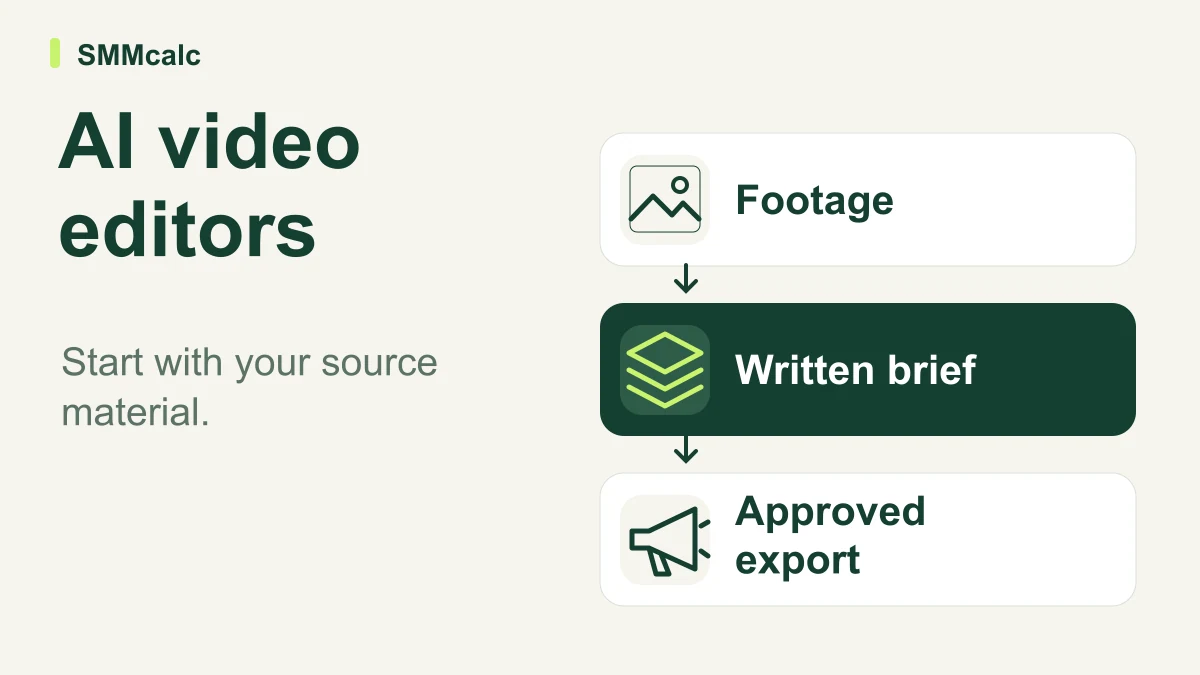
An AI video editor for social media is useful when it removes the work you actually repeat. A team with recorded interviews needs help finding and reframing clips; a team with a written campaign brief needs a way to build scenes, narration and a coherent first draft.
The practical verdict: shortlist by your starting material, then compare the time required to reach an approved video. A fast draft that needs extensive repairs can be a poor purchase even when its feature list looks impressive.
Start with the material you already own
The three tools below represent different routes into video. Their official descriptions support these workflow distinctions, but a vendor's description cannot tell you how well it will handle your products, speakers or editorial standards.
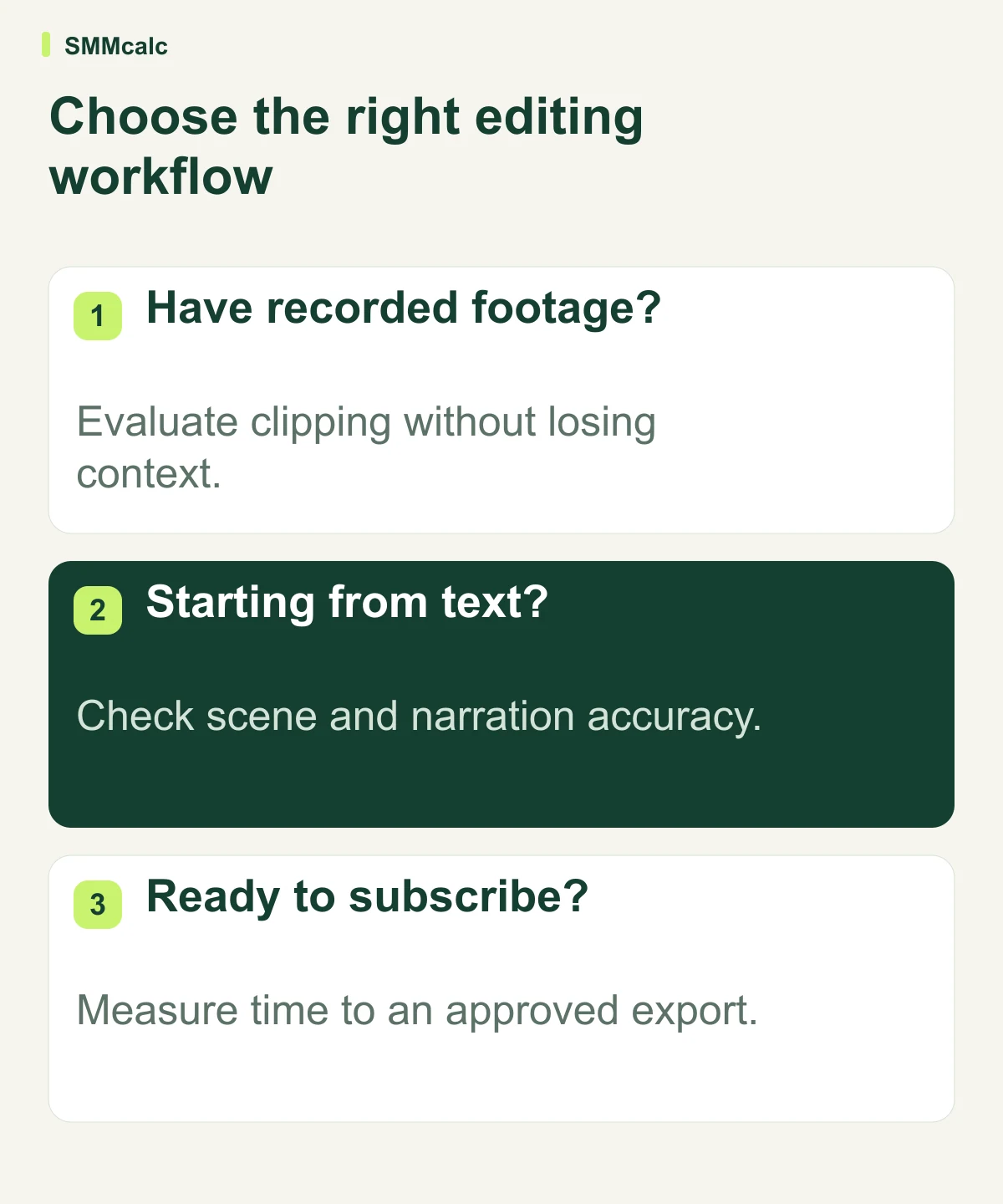
| Starting material | Tool to investigate | What your evaluation should prove |
|---|---|---|
| A campaign idea or creative brief | InVideo | The generated draft follows the brief and remains easy to revise. |
| An approved article or script | Pictory | Scenes and narration preserve the message rather than merely matching keywords. |
| A recording containing usable moments | OpusClip | Each extracted clip makes sense without the surrounding conversation. |
For a brief-first workflow, explore InVideo and check the current plan details. Evaluate the actual workflow before assuming that a particular trial, export allowance or paid tier includes everything you need.
Judge an approved export, not a promising preview
Pick one real assignment from your publishing calendar and write its acceptance criteria before generating anything. Include the audience, one clear takeaway, required product details, aspect ratio and the next action the viewer should understand.
Review the result with the sound off first. The product, captions and visual sequence should still communicate the point; a compelling voiceover can conceal weak or unrelated imagery.
Then listen without watching. Check names, technical terms, pauses and the meaning of every claim, especially when a short clip removes context from a longer conversation.
Finally, watch the export on a phone. Captions must remain readable, the subject should stay in frame, and important content should avoid the areas covered by a platform's controls.
Include correction time in the business case
The useful measure is total production time per approved clip: preparation, generation, corrections, review and export. Count rejected drafts too, because they consume attention even when you never publish them.
Hypothetical example: a manual clip takes 50 minutes; an AI-assisted version takes 10 minutes to prepare, 8 to generate and inspect, and 22 to correct and approve. The saving is 10 minutes, not the 40 minutes implied by looking only at preparation.
If eight comparable clips reach approval in a month, that example releases 80 minutes. Compare that value with the actual subscription and any extra generation charges, using your own labor cost rather than an assumed universal rate.
A second test matters when the first clip passes: ask a colleague to request a substantive revision. A workflow that is easy for its creator but difficult to hand over can become a bottleneck as soon as more people participate.
Where each route is strongest—and where it can disappoint
InVideo is the route to investigate when you want to direct a new video from a brief. Its prompt-based approach is relevant when the missing piece is an initial visual assembly; it does not supply the evidence behind your marketing claims.
Pictory is a sensible candidate when the approved text already contains the value. The editorial risk is visual literalism: a scene can match a word while failing to explain the point, so replace generic imagery with material that helps the viewer understand.
OpusClip fits an existing-footage workflow. The important limitation is editorial context: a punchy excerpt may omit a qualification or explanation, so judge whether the selected moment is accurate as a standalone piece.
These are buying scenarios, not a universal ranking. A business may need only one route, while another may reasonably use a clipping tool alongside its established editor.
When a simpler editor is the better choice
Keep your existing editor if most assignments involve precise demonstrations, careful visual continuity or footage you already know how to assemble efficiently. Switching tools introduces its own learning and review work, even when the new interface appears simpler.
Occasional publishers should also consider whether a saved template solves the problem. A reusable layout, a clear shot list and a reliable caption review can be enough for a small number of clips without adding another subscription.
A dedicated AI workflow becomes more interesting when the same preparation task repeats across a predictable schedule. That recurring work gives you something concrete to evaluate and makes a fair cost comparison possible.
Your next step
Choose the row that matches your source material, run one representative assignment, and record the corrections. Repeat it on a difficult example before committing to a longer billing period.
If you regularly begin with a brief, check InVideo against that assignment. If you begin with text or footage, evaluate the corresponding workflow instead; buy the route that consistently delivers an accurate, usable export within your real review budget.
Feature descriptions were checked against InVideo’s product page, Pictory’s script-to-video guide and OpusClip’s official site.