
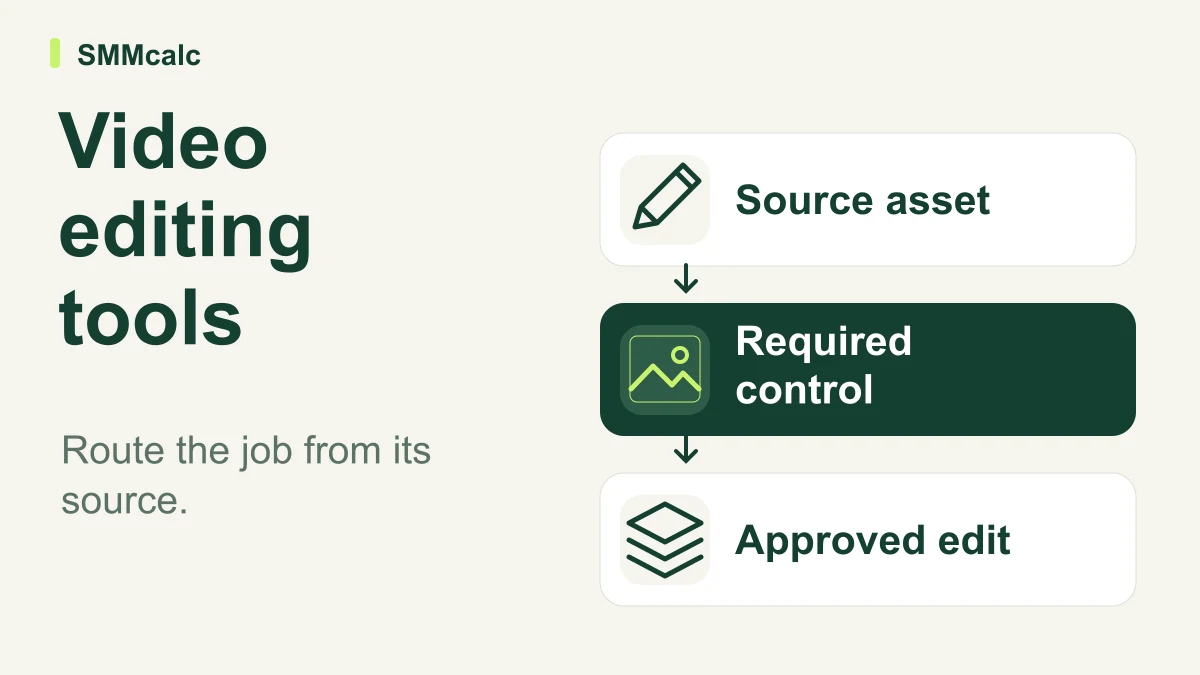
Video editing tools solve different starting problems. Creating visuals for a script, cutting recorded material and extracting short clips should not be treated as the same task; choose the workflow that reaches an acceptable finished edit with the least unnecessary handoff.
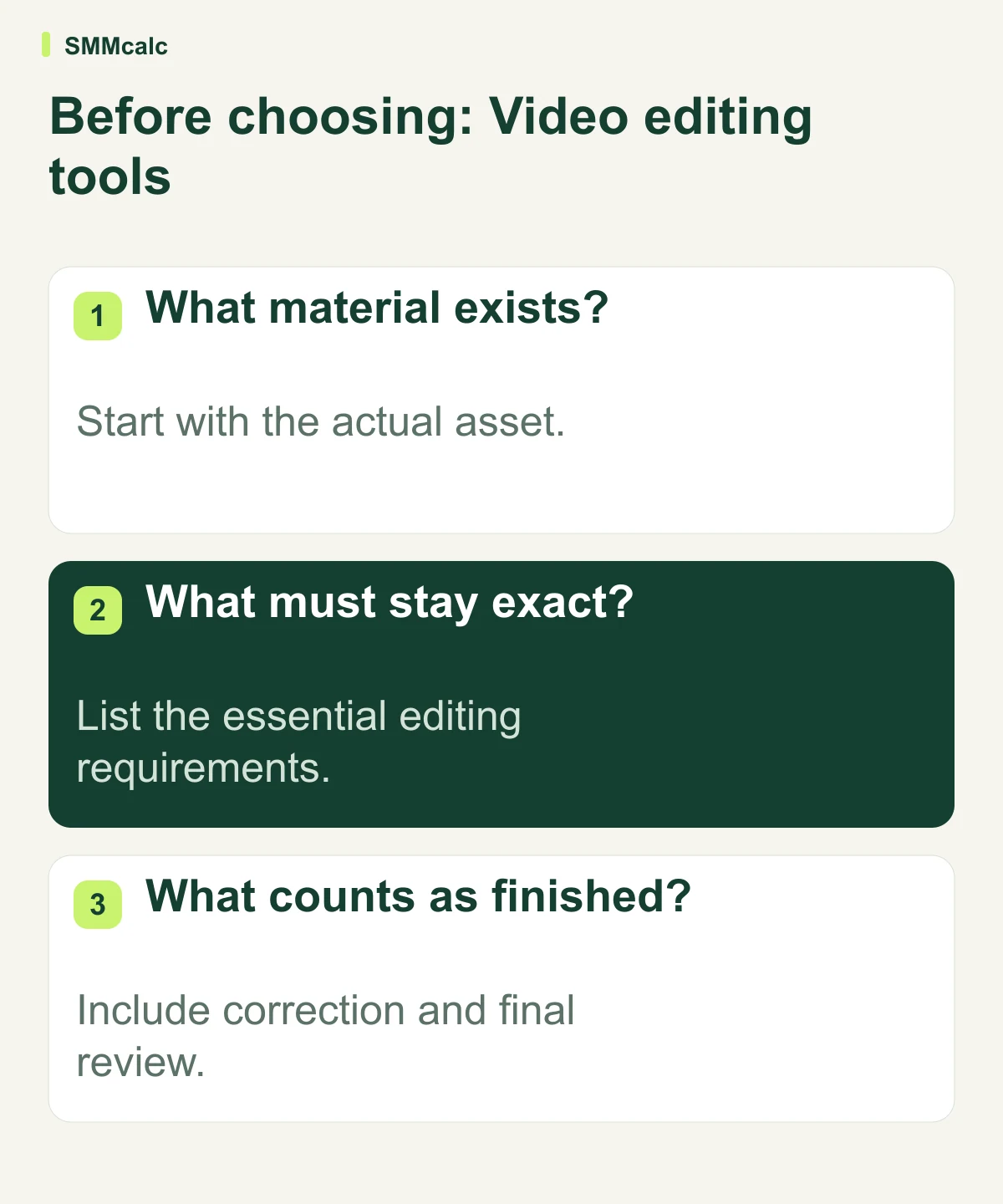
Identify the starting asset
A finished recording, a collection of raw footage and a researched script describe different production problems. Clipping an existing explanation may preserve valuable material that a new generated video would discard. Creating visuals for a script requires a different brief and a different accuracy review.
Write down the output and what must remain exact. That may include a performance, a demonstration, a spoken qualification or a piece of visual evidence. Those requirements should guide the workflow before you compare how many effects or generation models a tool advertises.
Match the production route to the job
- Use existing recordings when the real performance is the value.
- Evaluate assisted assembly when the script and evidence are already clear.
- Check manual controls when precise local edits are essential.
- Keep more than one route if different projects genuinely need it.
InVideo and Pictory are candidates discussed in the source, alongside manual editing approaches. Verify the current required capabilities before choosing. A product category is a starting point for evaluation, not proof that a tool is more efficient or a universal replacement for an editor.
A hypothetical lesson repurposing decision
Hypothetically, a tutor has a complete lesson recording and wants a short explanation for existing students. She first compares clipping and manual editing rather than generating a new video from a topic prompt. She checks context, captions and correction effort before selecting the workflow she can repeat.
Compare approved output, including the corrections
Run one representative project through the proposed route and inspect the meaning, captions, visuals and final delivery. Record where work returns to you. A quick first draft is useful only if the complete path to approval remains practical.
Check current access and export terms rather than copying historical minute allowances, trial lengths or watermark statements. Include the required billing model in the comparison, but do not assume every manual process is a bottleneck or that assisted production automatically replaces freelance work.
Change the smallest part of production that helps
Compare a representative project rather than feature counts or assumed industry rankings. Adopt assisted creation, clipping or a manual editor where it fits the specific input and approval requirements; keep a mixed workflow when appropriate.
Inspect the current product details before choosing: InVideo, Pictory.
