
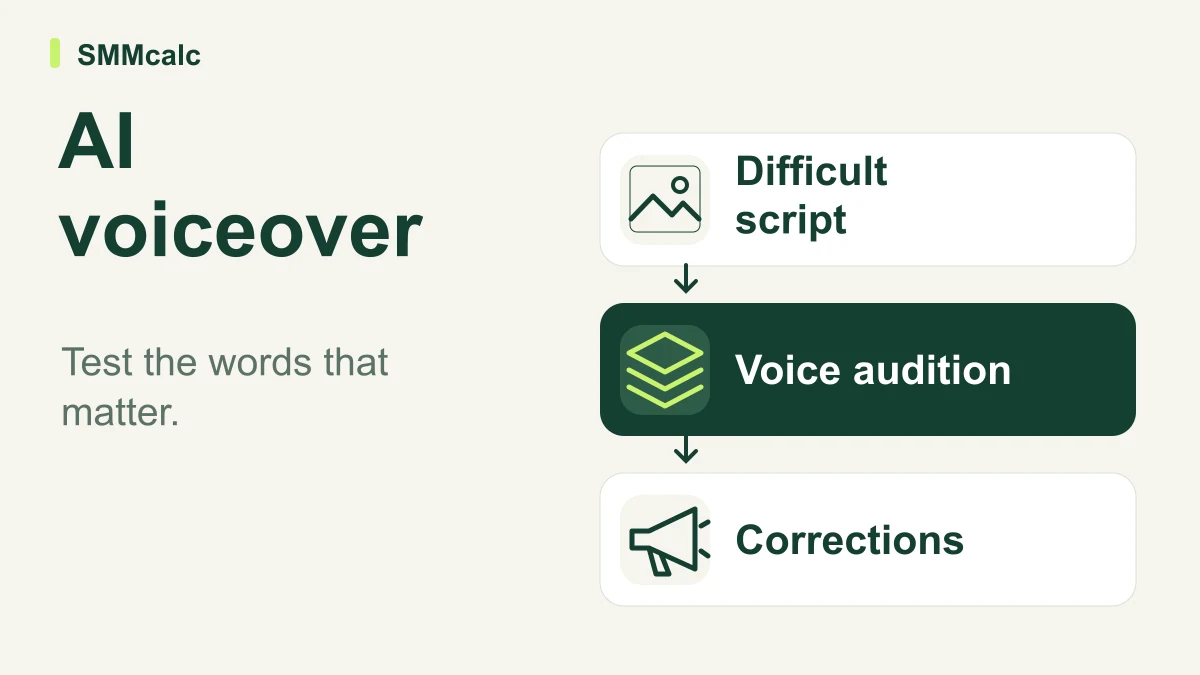
An AI video generator with voiceover has two jobs: communicate the script accurately and pair it with visuals that support the meaning. A pleasant voice cannot rescue a wrong product name, an ambiguous number or a scene that implies something your narration never establishes.
The buying verdict: shortlist tools by the kind of video you make, then audition the voice with your most difficult material. Choose a workflow that makes corrections predictable; a polished demo is a starting point, not evidence that your finished videos will require little editing.
Separate narration quality from video assembly
Listen to a generated draft without looking at the screen. This exposes pronunciation, pacing and emphasis problems that appealing visuals can disguise.
Then watch with the sound off. Check whether on-screen text, product images and scene changes support the same message, rather than introducing claims that depend on the viewer making a favorable assumption.
Finally, review the two together. A sentence can be understandable alone yet feel rushed when the important visual disappears before the explanation ends.
Build a six-line voice audition
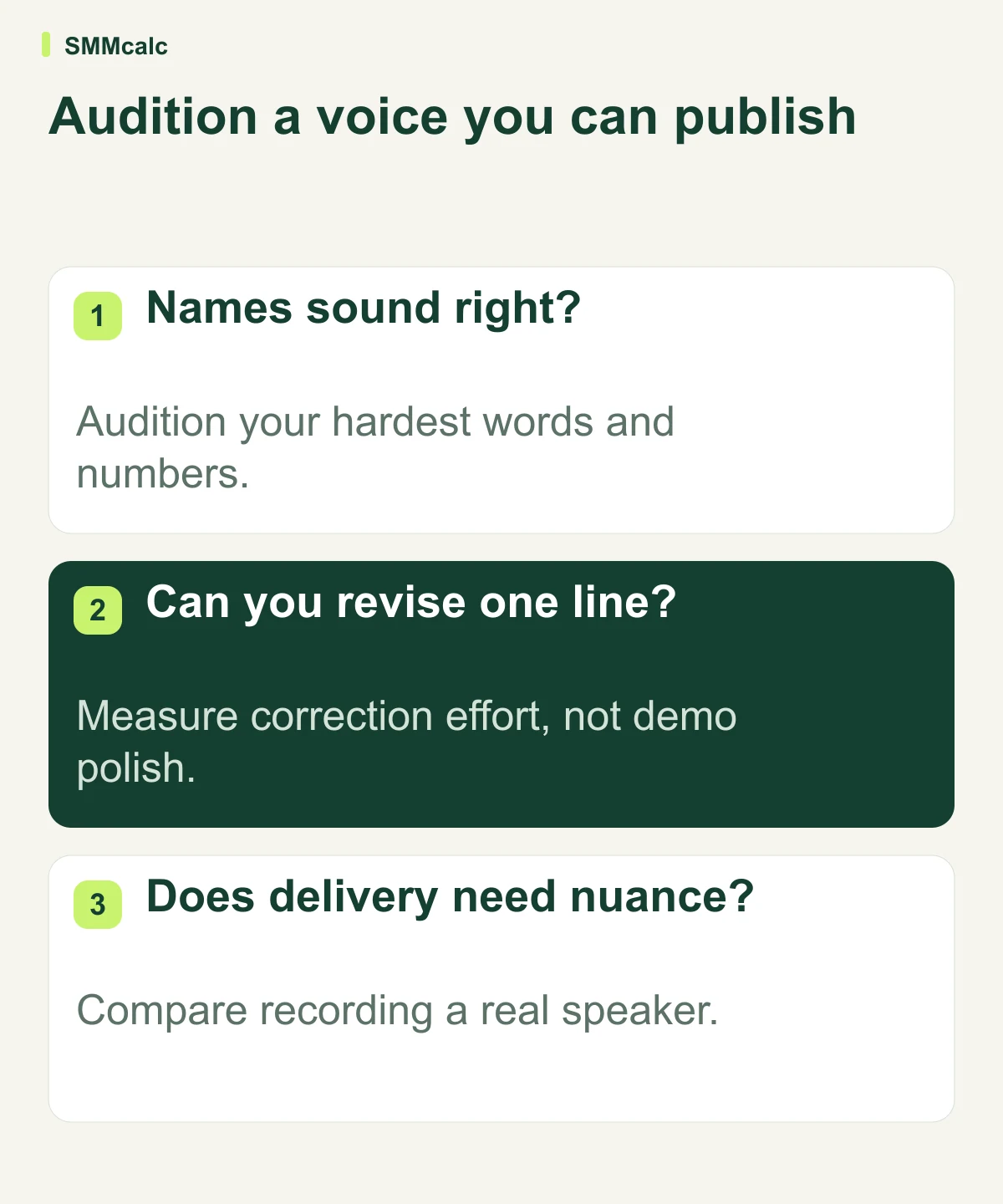
Use a short script containing a brand name, an industry term, a number, a question, a qualification and a final action. These lines reveal more than a generic paragraph filled with familiar words.
- Check the pronunciation of the name your audience needs to recognize.
- Listen for a pause that changes the meaning of a technical sentence.
- Confirm that a date, price example or percentage is spoken unambiguously.
- Check whether a question sounds like a genuine question.
- Keep a qualification attached to the claim it limits.
- Make the final action understandable without repeating the whole message.
Use only statements you are prepared to publish. The point is to expose production weaknesses, not to generate an impressive script that no longer reflects your business.
Match the tool to your video format
The official product pages support the capabilities below. Treat the choice as a workflow decision; this review does not establish that one voice library is more natural or accurate than another.
| Candidate | Scenario to investigate | What to check in your audition |
|---|---|---|
| InVideo | Building a narrated video from a prompt or brief | Whether a targeted narration edit preserves the surrounding scenes. |
| Synthesys | A voiceover or presenter-led marketing format | Whether the chosen delivery fits the message and audience. |
| Pictory | Turning an approved script into narrated scenes | Whether scene timing and captions stay aligned with the script. |
For brief-led production, check InVideo’s current options. Verify the plan's actual voice, export and usage conditions before treating a particular demo as representative of what you will buy.
A correction test is more useful than another voice sample
After the audition, change one technical term and one sentence's emphasis. Check whether the tool can make the correction while preserving a consistent voice across the rest of the video.
A workflow becomes expensive when every small edit leads to a new round of inspection. Keep a record of each requested correction, how many attempts it needed and what else changed in the process.
Hypothetical example: twelve videos each need three pronunciation corrections that take two minutes apiece. That is 72 minutes of correction work before final review, so the monthly subscription alone is an incomplete comparison.
A separate voiceover workflow may be worthwhile if it handles the hard vocabulary more predictably. An all-in-one generator may be simpler if its output consistently passes your actual script checks; the right answer depends on the correction work you observe.
Where each candidate belongs on the shortlist
InVideo deserves a look when your main problem is assembling a new narrated draft. Keep control of the factual script and use the audition to decide whether its integrated approach suits your production process.
Synthesys is relevant when voice or presenter delivery is central to the format. Evaluate the specific voice and presentation style you plan to use rather than choosing on the breadth of the catalog.
Pictory fits a script-led evaluation. Look carefully at how it divides the script into scenes, because visual boundaries and narration pauses should help the viewer follow the argument.
When recording a real person is worth the effort
Record your own voice when personal delivery is part of the value: a founder's message, an expert explanation or a story that depends on the speaker's experience. Consistency is useful, but it is not the only reason people listen.
Avoid making a generated voice sound like a customer endorsement or another person's firsthand account. If you use someone's voice or likeness, obtain the appropriate permission and check the relevant service terms before producing the asset.
For sensitive or specialized information, a knowledgeable reviewer should check the script and finished audio. Generating the narration does not verify the advice, numbers or claims it contains.
Choose after the complete export
Listen on ordinary phone speakers and headphones before approving the workflow. Check captions as a separate accessibility task; correctly spoken words can still be transcribed or displayed poorly.
If your audition and correction test pass, explore InVideo with a representative project, or continue with the candidate that better matches your format. Prefer the tool that communicates your actual script clearly over the one with the most impressive isolated demo.
Capability checks used InVideo’s product description, Synthesys’s official site and Pictory’s script-to-video guide.
