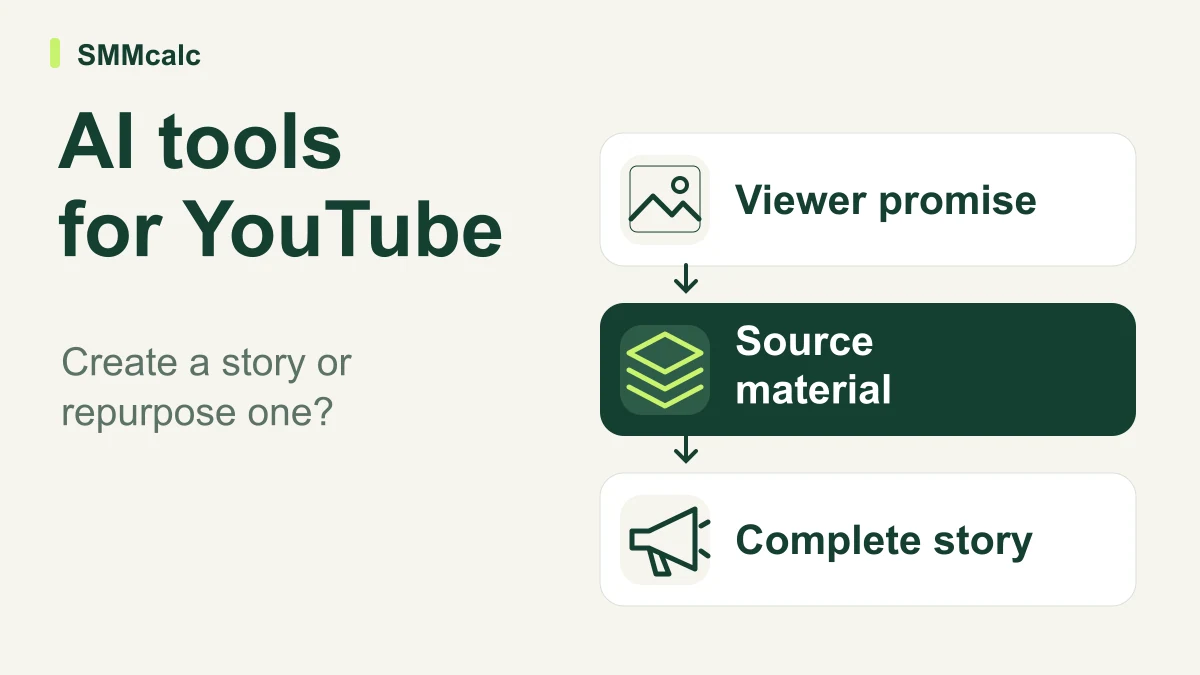
A YouTube creator choosing an AI video tool needs to separate two jobs: creating a new video and repurposing footage that already contains a useful story. Buying a generator when you need a clipping workflow—or the reverse—adds work before it removes any.
The verdict: choose according to your source material, then protect the reason people watch your channel. Automated assembly can help with production, but a coherent point, accurate evidence and a recognizable editorial perspective still need an owner.
Define what this video promises the viewer
Write the central question the video will answer in one sentence. Then list the explanation, demonstration or experience that makes your channel able to answer it usefully.
A narrated sequence of relevant-looking footage may be adequate for a simple introduction, but it cannot replace a real demonstration when the audience expects to see how something works. Start by identifying that difference.
If your next assignment begins with a new concept or brief, explore InVideo’s current workflow. Evaluate it against a real channel assignment rather than assuming a short product demo represents your normal production work.
Match the tool to the source
| Source you have | Candidate | What must survive production |
|---|---|---|
| A new brief or video concept | InVideo AI | The specific explanation and evidence behind the video's promise. |
| A recording with useful standalone moments | OpusClip | The context that makes each extracted clip accurate. |
| An approved article or written script | Pictory | The argument, qualifications and useful detail in the original text. |
These are workflow matches supported by the products' official descriptions. They do not establish a universal winner, a particular output quality or an improvement in views, retention or revenue.
For a new video, keep the editorial work visible
Begin with a short outline that identifies the opening question, the evidence and the conclusion. Check that each scene advances the explanation rather than simply illustrating a keyword from the script.
Mark any material that needs original footage, a reliable source or a qualified reviewer. Generating narration does not establish the truth of a claim, and generating a realistic scene does not show that an event occurred.
Review the script before polishing the voice or transitions. Structural mistakes are harder to fix after the team has invested time making a weak explanation look finished.
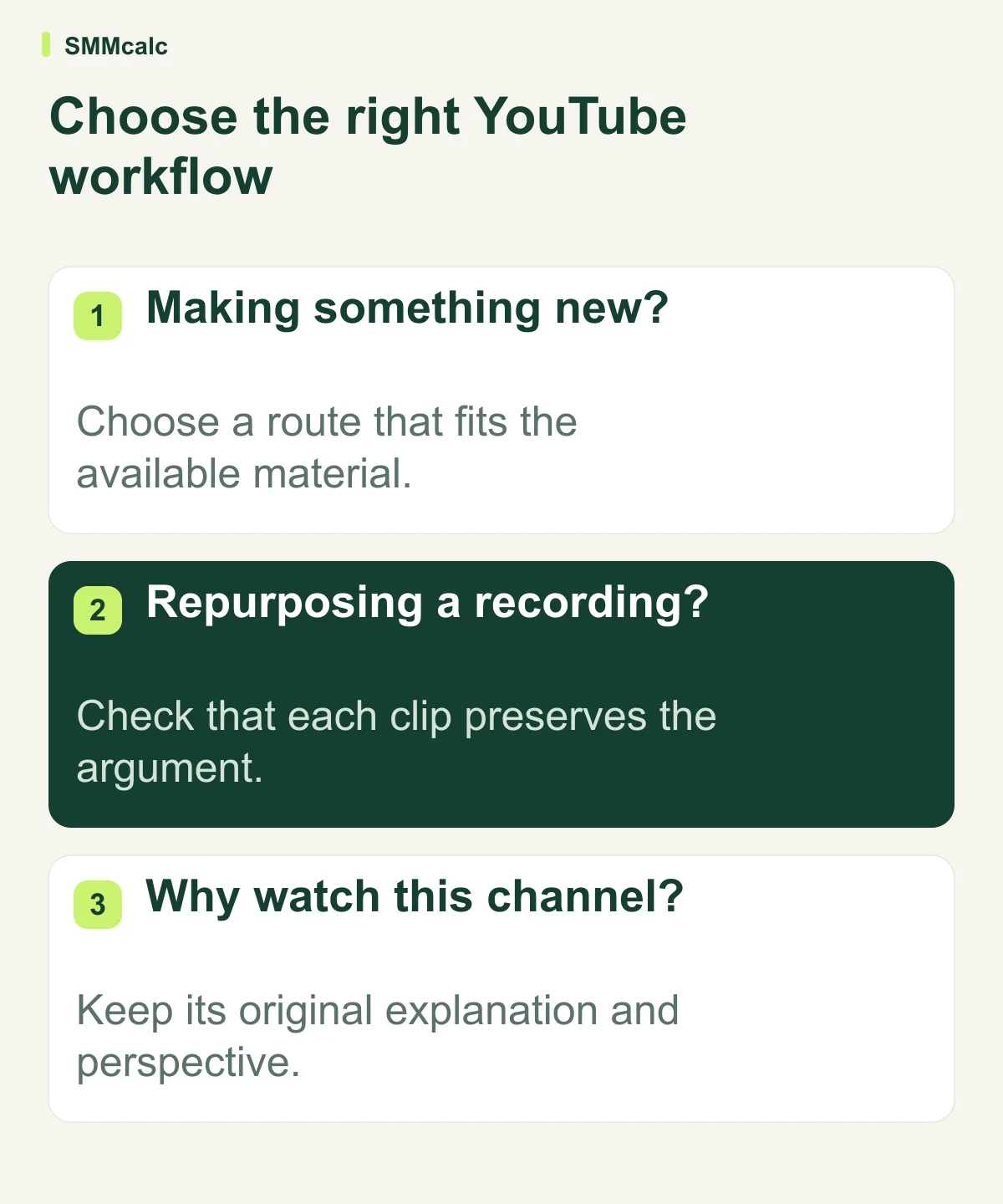
For repurposing, test the missing context
Choose a recording with several potentially useful moments and compare the selected clips with the original conversation. Watch for omitted qualifications, unresolved references and sentences whose meaning depends on something said earlier.
A clip should answer a recognizable question or communicate a complete point. A striking line is not automatically a coherent short, even if the crop and captions are well executed.
Keep track of how many clips survive editorial review, not just how many the system proposes. That approved count is the meaningful denominator when you compare production effort.
A practical channel pilot
Run one representative assignment through the candidate workflow and your usual process. Keep the intended audience, message and publication standards the same so the comparison reflects production differences rather than a change in ambition.
Record preparation, draft review, corrections and export time. For a clipping workflow, also record how much of the original recording you had to revisit to confirm that the clips remained accurate.
Hypothetical example: a recording produces ten suggested clips but only three communicate complete, useful points. If review and corrections take 90 minutes, the result is 30 minutes per approved clip—not nine minutes per clip based on the initial suggestions.
The example is an editorial calculation, not an expected product result. Use the same logic for generated videos by counting the assets you would actually publish rather than the drafts you can download.
Keep the channel's distinctive value
If viewers come for your expertise, keep that expertise in the script and examples. If they come for your personality or access to a subject, preserve the real footage and use automation for the repetitive finishing work.
For a research-led channel, maintain a claim-to-source record outside the generator. For a tutorial channel, compare the explanation with the actual process so generic visuals do not conceal missing steps.
Titles and thumbnails should promise what the finished video delivers. Generating more output is not useful if it creates a growing gap between the audience's expectation and the content they receive.
When a conventional editor is enough
Keep an established editor when you already know the footage, need precise visual continuity or can produce the assignment efficiently from a reusable template. The switching and learning time belongs in the buying decision.
A specialized generation or clipping workflow becomes more interesting when a particular task repeats. That recurring assignment gives you a fair basis for evaluating accuracy, speed and costs over more than one appealing example.
Choose after a complete, reviewable result
Use the source-material matrix to shortlist, complete the pilot and inspect the export on a phone as well as a desktop. Check narration, caption readability and context separately before approving the workflow.
If a brief-led process fits your channel, check InVideo with your next real assignment. Otherwise, test the tool that matches your existing footage or script; the right choice helps publish something worth watching with less avoidable production work.
Capability checks used InVideo’s product page, OpusClip’s official site and Pictory’s script-to-video guide.