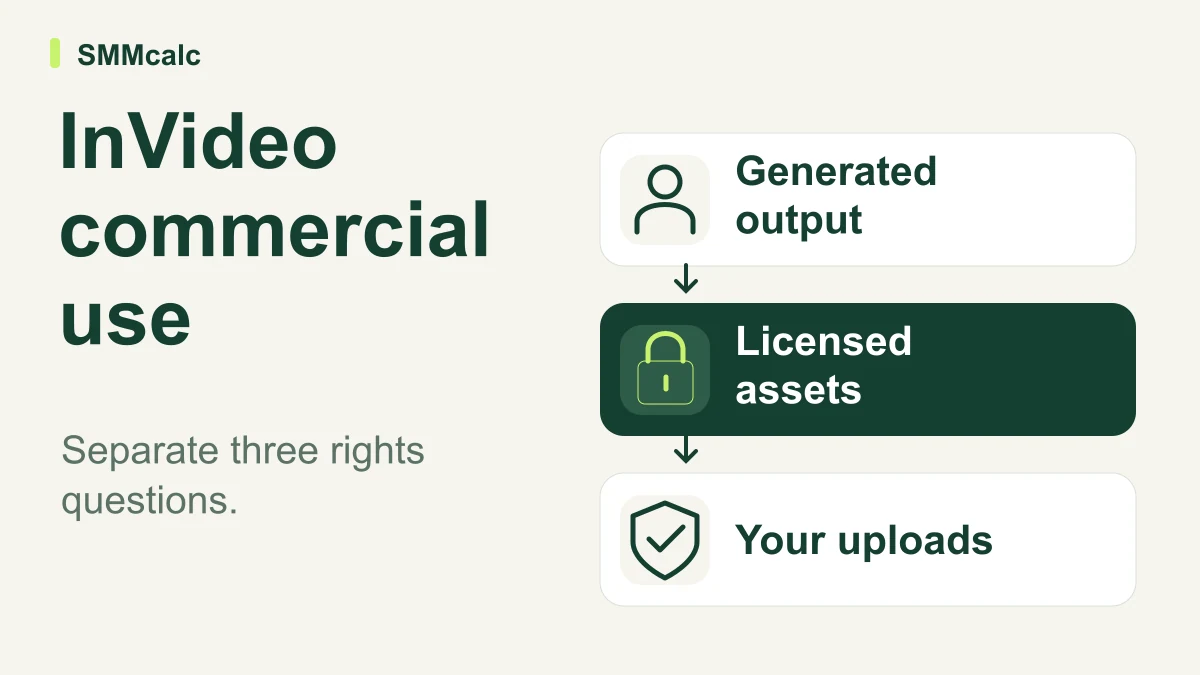
Commercial use of an InVideo video depends on more than whether you paid for a subscription. Separate the generated output, any licensed stock included in it and the material you uploaded before deciding whether the finished video suits your intended use.
The practical verdict: InVideo's terms provide permission to commercialize generated outputs, while keeping applicable third-party rights and licensed-content conditions in place. That is useful permission, not a promise of exclusive ownership or protection from every copyright claim.
What the official terms establish
The InVideo terms effective August 12, 2026 say output rights are subject to the terms, applicable law and third-party rights. They also grant a continuing commercial-use licence for generated outputs, while licensed content remains governed by the relevant licence.
The terms require users to have the necessary rights and permissions for their inputs and do not warrant non-infringement. They also explain that AI outputs may be similar to other users' results.
These points do not support treating a paid plan as blanket clearance, or assuming that everything on a free plan is automatically barred from commercial use. Check the conditions of the actual plan, assets and project rather than relying on those shortcuts.
Keep three rights questions separate
| Project layer | Question to answer | Record to keep |
|---|---|---|
| Generated output | What permission does the service grant for this intended use? | The relevant terms and any separate agreement. |
| Licensed stock or other supplied assets | What conditions apply to the particular material? | The asset identity and applicable licence information. |
| Your uploads and claims | Do you have the permissions and support needed to use them? | Source files, approvals and any required consents. |
This worksheet is a practical way to organize a project review, not a legal conclusion about a particular video. When the intended use is unclear or commercially significant, get appropriate advice before relying on an assumption.
A hypothetical client project
Imagine an agency creating a product explainer with an AI-generated opening, stock background music and a client-supplied photograph. Each component raises a different question before the agency hands over the final file.
The generated opening needs to fit the service permission and the intended campaign. The music needs a check of its applicable conditions, and the photograph needs confirmation that the client can authorize the proposed use.
A paid export does not answer all three questions by itself. Nor does a clean, watermark-free video tell the reviewer where its assets came from or what the client is entitled to do with them.
The useful deliverable is a finished video accompanied by a short internal asset record. That record helps the team explain what it used and revisit the project if the client later requests a different format, audience or distribution channel.
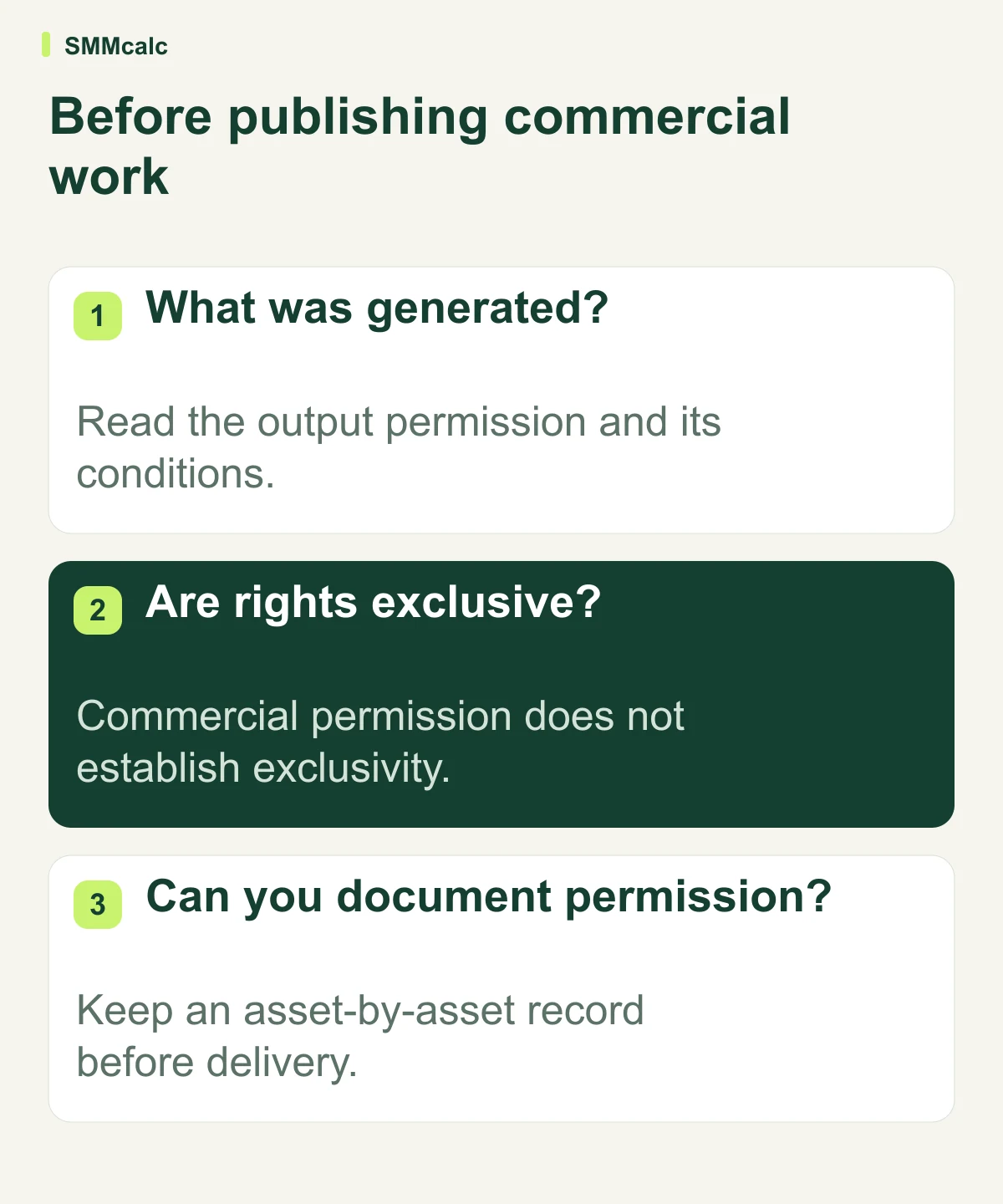
Do not confuse commercial permission with exclusivity
Ask what the business actually needs from the video. Permission to publish a routine social post and a contractual promise of exclusive material are different expectations, so they should not be bundled into one vague statement about ownership.
Discuss those expectations with the client before production. If a contract asks you to promise more than you can verify, resolve the mismatch before presenting the video as ready for unrestricted use.
InVideo AI may still be a suitable production tool for the project. The decision depends on the intended work and documented permissions, not on a broad claim that any one tool eliminates rights review.
Review the final video as well as the asset list
A technically usable asset can still create a misleading impression in context. Inspect product depictions, people, logos, spoken claims and any scene that might be mistaken for an actual event or demonstration.
Keep client approval tied to the exported version, since a late edit can introduce new material after an earlier review. If the script contains factual claims, retain their support alongside the asset record.
For a generated voice or recognizable likeness, verify the relevant permissions and intended use rather than assuming that a successful render establishes consent. Ask for specialist advice when the project raises questions the production team cannot resolve.
Buying a plan is a separate decision
Choose a subscription around the actual production requirements: the features, export conditions and usage allowances your project needs. Confirm them at purchase because a comparison article can become stale while the checkout changes.
Do not buy a higher tier solely because an article promises that an upgrade makes every video legally safe. Request a precise answer to the unresolved project question instead, and retain any written agreement relevant to it.
When assessing InVideo AI, test the creative workflow separately from the rights checklist. A tool can be convenient to use while still requiring careful decisions about the material you bring into it.
A short pre-publication checklist
- State where the video will appear and what it will be used for.
- List supplied stock, generated scenes and uploaded material separately.
- Record the applicable permissions and any unanswered questions.
- Confirm the authority to use customer, employee or client material.
- Review the final exported video and the claims it communicates.
- Keep approvals with the final file so a later editor can trace the decision.
This checklist helps a production team identify missing information; it does not replace professional advice or the actual terms governing a project.
Your next step
If the intended use is clear and the relevant permissions are established, explore InVideo’s current options for your project. If a rights question remains, resolve it before promising the client an unrestricted deliverable.
The useful conclusion is specific: know what you can do with the finished video, which conditions still apply and what evidence supports that decision. An upgrade, an attractive export or a general commercial-use label should not substitute for those answers.