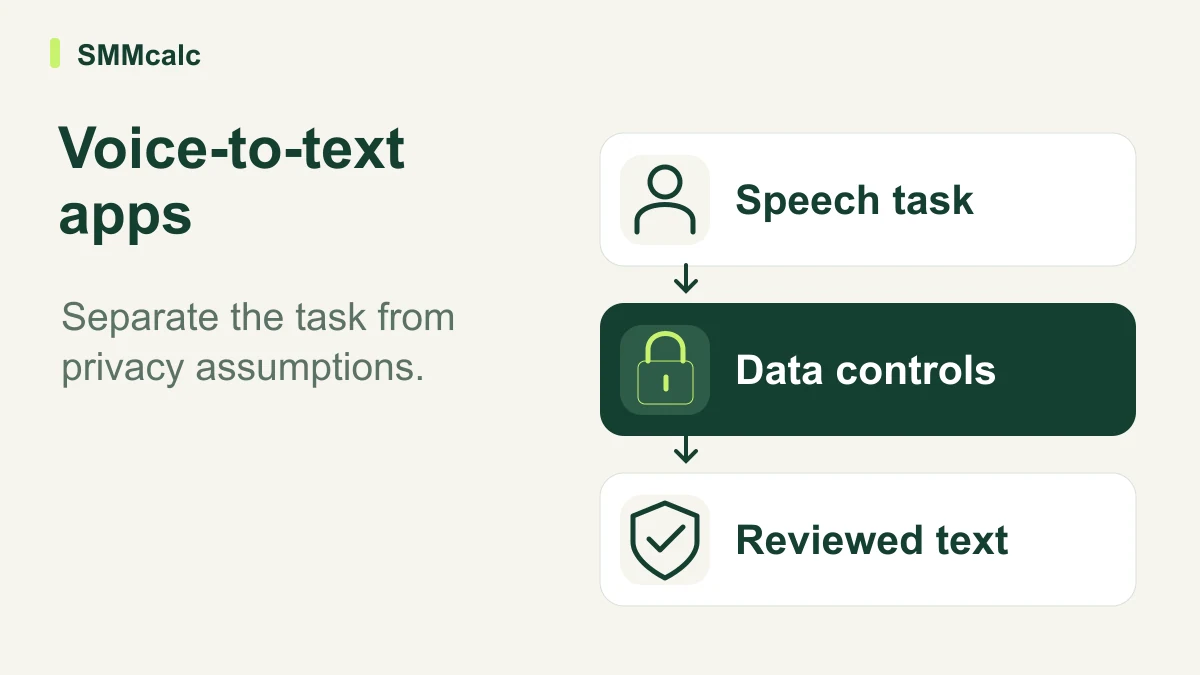
A voice-to-text app should match both the task and the data requirements. Dictating your own draft, transcribing a file and recording a meeting need different checks. Evaluate Wispr Flow accordingly, and do not confuse a setting for local history with proof that all processing stays on the device.
Distinguish drafting from making a shared record
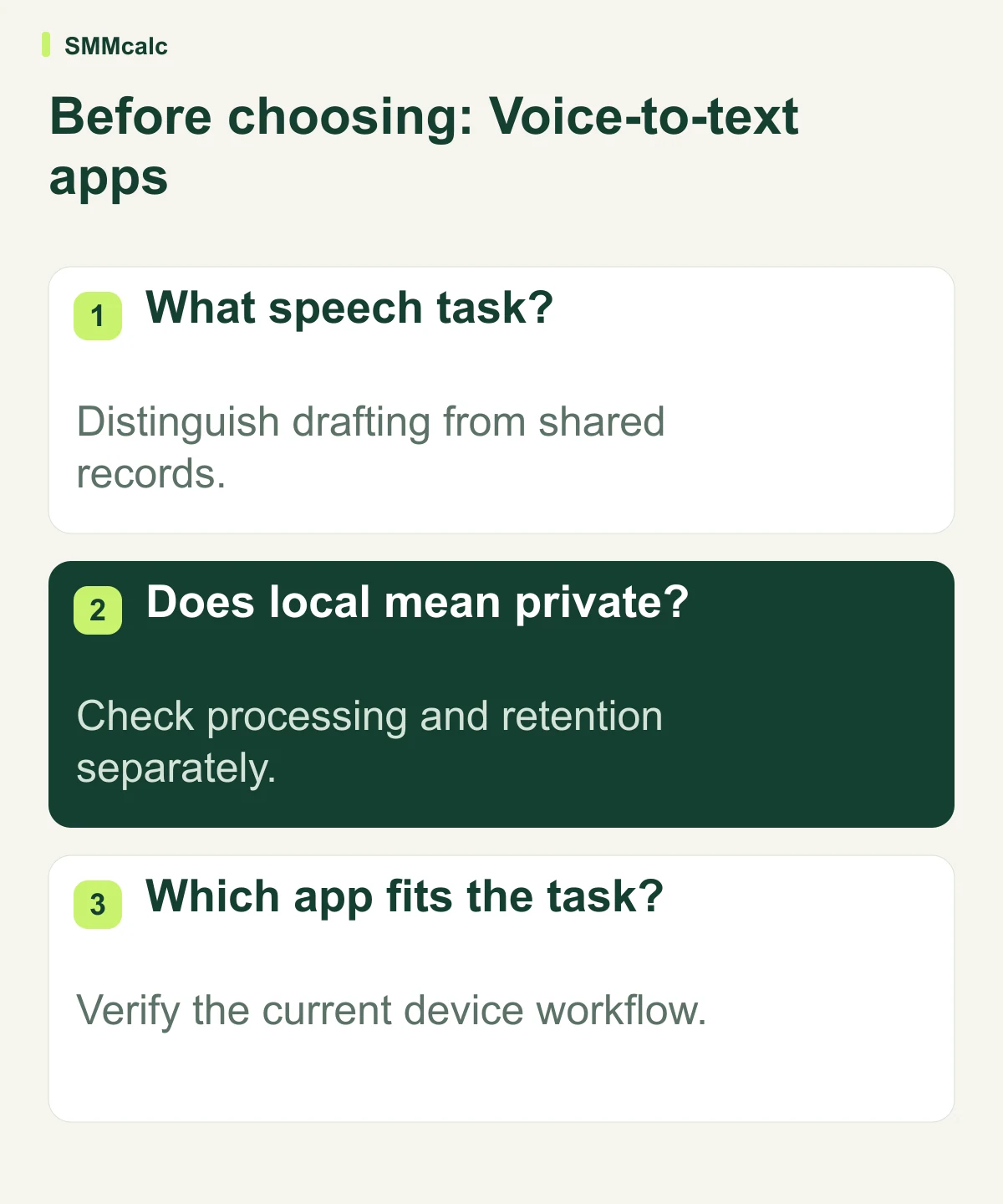
Active dictation turns your own speech into a draft you intend to review. A meeting record needs accurate attribution and a process for checking what other people said. A transcription of a saved file creates another set of input and permission requirements.
Choose the task before comparing products. Wispr Flow and Fireflies appear in the source, but they should not be ranked as though every voice workflow were interchangeable. Current product capabilities can change, so inspect the route offered to the actual device and account.
Correct the inherited privacy assumption
The original article repeatedly implies that Wispr Flow is entirely local. Current official documentation separates local history, privacy settings and processing. Its Notetaker documentation expressly describes cloud processing; context-awareness documentation also describes data handling under its settings. A local storage setting is not a blanket local-processing guarantee.
Consult the official privacy overview and context-awareness guidance. Verify the specific mode and policy that apply before processing sensitive material; this review does not establish suitability for every regulated workflow.
Check accuracy where the text will be used
- Use a non-sensitive example with realistic names and phrasing.
- Inspect whether qualifications and intended meaning survive.
- Try a correction in the destination application.
- Review processing, retention, sharing and access separately.
Include the time spent checking the draft rather than assuming dictation halves writing time. A tool can be useful without a universal speed claim. For a meeting workflow, confirm the permitted recording process before testing with other people’s speech.
A hypothetical writing-and-privacy check
Hypothetically, a writer dictates a non-sensitive email containing a name and a qualification. She checks the meaning and correction effort in the actual destination app, then reviews the applicable privacy settings before considering work material. A different meeting-recording requirement receives its own consent, sharing and retention review.
The practical next step
Test a non-sensitive representative task and read the current official privacy material before relying on Wispr Flow. Choose according to the actual workflow and organizational requirements; do not accept the inherited claim that all data remains on the device.
Compare current product information before choosing: Fireflies, Wispr Flow.