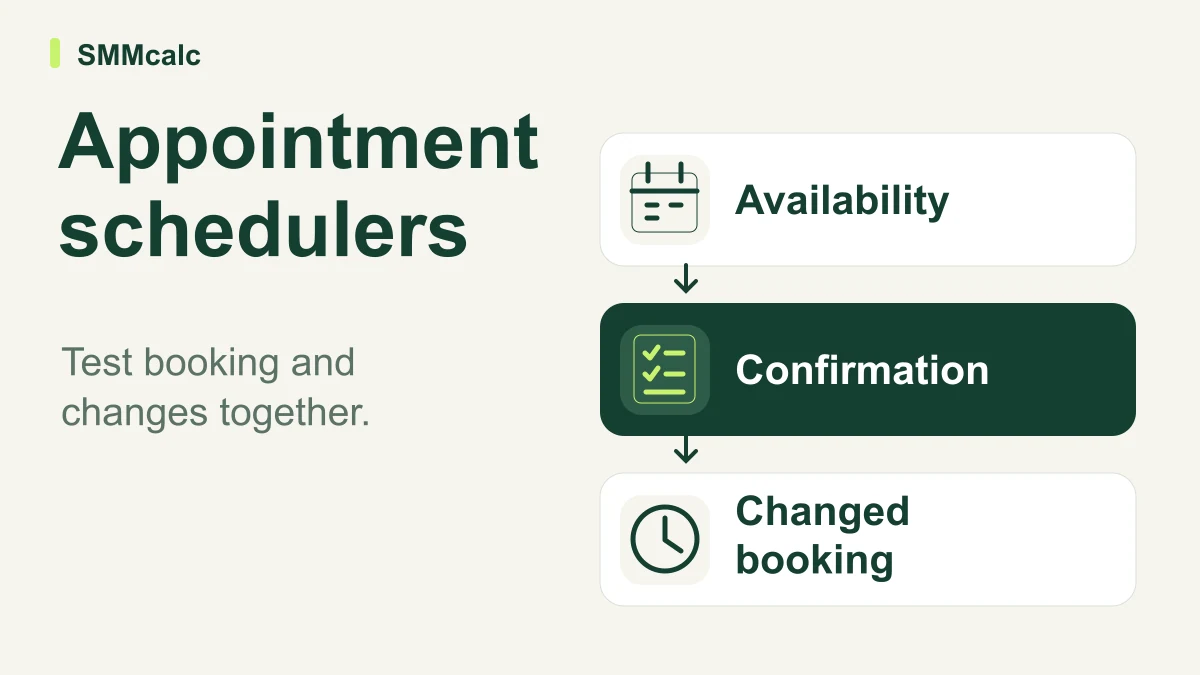
An appointment scheduler is useful when it presents the right availability and leaves both parties with an understandable booking. Evaluate Cal.com through the complete journey, including changes and cancellations; a generous feature list is less important than a process that fits the calendars and responsibilities you actually use.
Define the appointment before the booking link
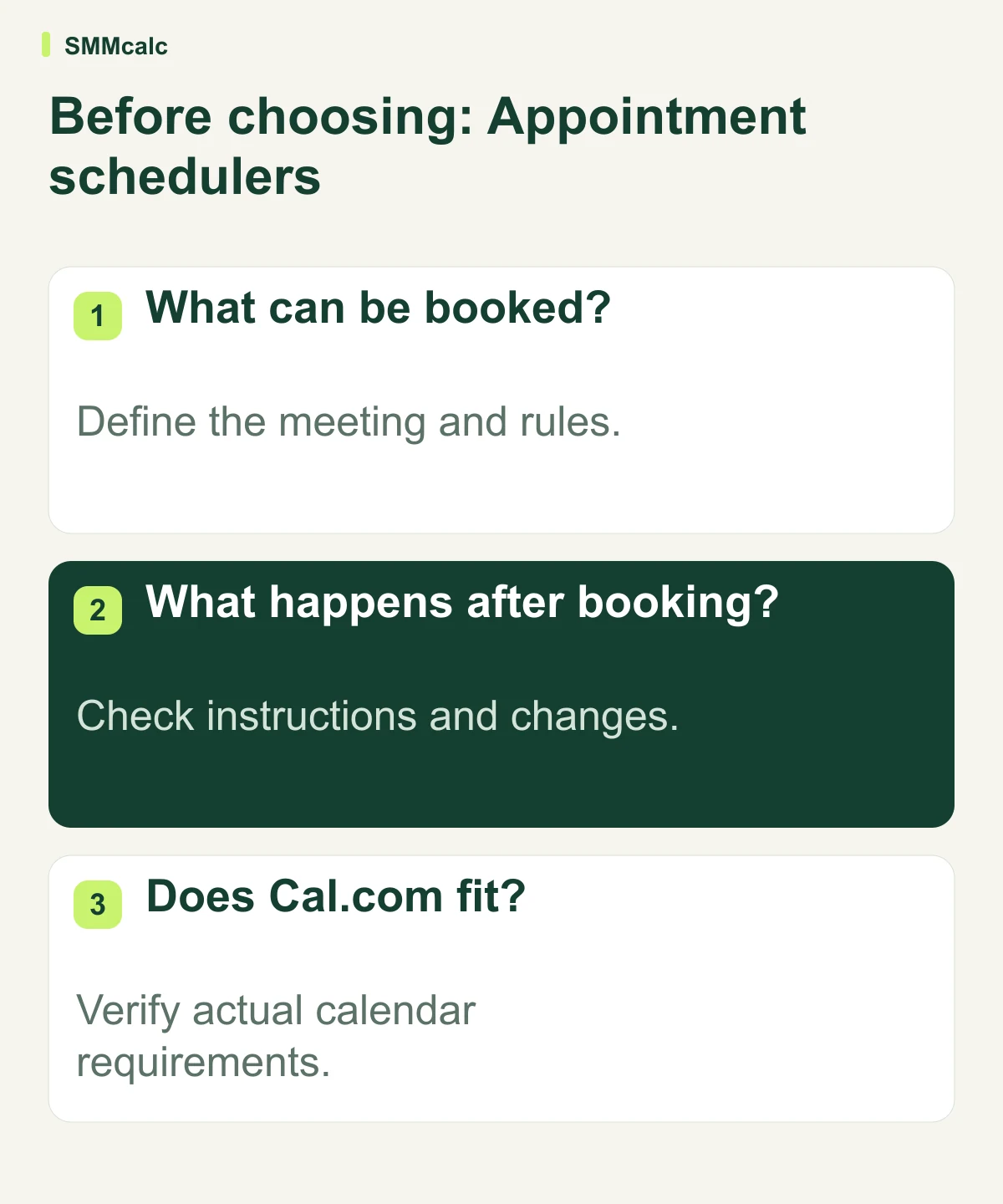
Write the purpose, duration and preparation required for the meeting. Decide who should be able to book and which availability rules need to apply. A public calendar link should communicate a real service, not expose a schedule whose owner has not defined its boundaries.
Include the steps after someone picks a time. Both parties need to understand where to meet, what to prepare and how to change the appointment. A successful slot selection is only part of the process.
Use your own calendar setup for the test
Cal.com is the candidate emphasized in the source. Verify the current supported connections, account requirements and plan terms for your workflow. Do not assume historical unlimited-event or customization claims describe the product available to your account today.
- Choose a permitted test appointment.
- Inspect availability against the calendar rules.
- Check time presentation and both confirmations.
- Reschedule and cancel, then inspect the records.
Separate scheduling from a larger sales system
A simple meeting workflow may not need a broad CRM platform. A team with assignment, customer history and other required handoffs may need to evaluate those separately. Avoid choosing a larger system solely because it also includes a calendar.
Compare Cal.com, SavvyCal, Calendly or another candidate against the required journey rather than assumed superiority. Include the effort of maintaining rules and resolving mistakes. A tool can earn its place without a claim that every user loses hours to email or can configure everything in ten minutes.
A hypothetical cross-time-zone booking
Hypothetically, a consultant asks a colleague in another time zone to book an available session, change it and cancel it. They inspect the calendar record and the instructions each person receives. The consultant adopts the scheduler only after the complete route matches the availability rules she intends to maintain.
The practical next step
Test the full booking journey with the calendars and account you use before choosing Cal.com. Compare alternatives for the same requirements rather than accepting an unbeatable-free-plan or guaranteed-time-saving claim.
Compare current product information before choosing: GoHighLevel, Cal.com.