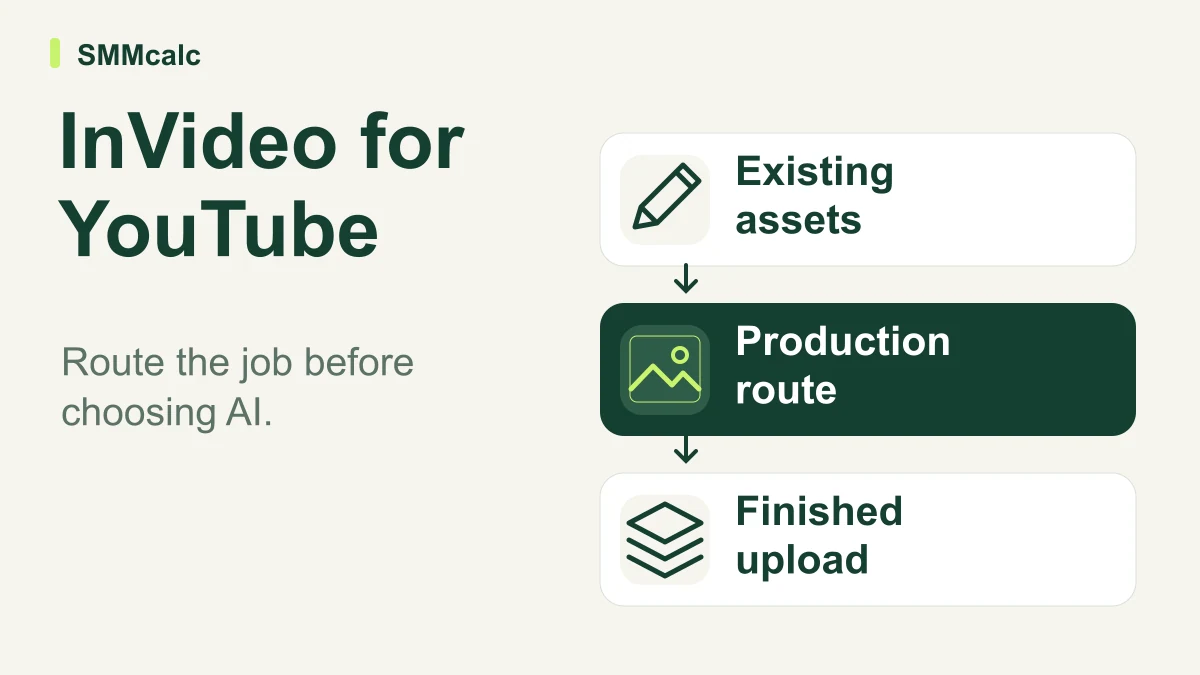
The 5-Minute Verdict
If you are searching for the best video editor software to automate a faceless YouTube channel or scale short-form social content, InVideo is currently one of the most capable browser-based tools available. It successfully bridges the gap between basic AI slideshow generators and complex desktop editing suites like Premiere Pro.
The core appeal is its prompt-to-video workflow, which allows you to generate scripts, pull stock footage, and apply AI voiceovers without ever leaving your browser. However, it is not a universal replacement for traditional editing. If your workflow relies heavily on cutting your own original camera footage or requires frame-accurate multi-cam syncing, this platform will frustrate you.
For digital marketers, course creators, and agencies needing high-volume output, it is a massive time-saver. For cinematic vloggers, it is the wrong tool.
The 3 Factors That Change Your Decision
Before you commit to a paid tier, you need to evaluate three specific bottlenecks in your current production pipeline. The first factor is the credit burn rate. InVideo operates on a credit system rather than unlimited rendering.
Every time you generate an AI video sequence, use premium stock media, or utilize the voice cloning feature, it deducts from your monthly allowance.
If you plan to publish daily long-form content, the entry-level Plus plan will run dry in days, forcing you into the Max or Generative tiers, which push closer to $100 or $200 a month. You must calculate whether the software subscription costs less than the freelance editors or hours you are currently sacrificing.
The second factor is your reliance on original footage versus stock media. InVideo’s AI agents excel at assembling narrative B-roll from vast stock libraries based on your text prompts. If you run a faceless channel or a news commentary page, this is a superpower.
But if you are a travel vlogger or a fitness coach who needs to edit your own specific camera angles, the AI generation features become largely irrelevant.
You can upload your own clips to the multi-track timeline, but you are then just using InVideo as a standard cloud editor, negating the primary reason to choose it over simpler alternatives.
The third factor is whether you need generation or repurposing. InVideo is built to create videos from scratch using text prompts or blog posts. If your main goal is taking a two-hour podcast and chopping it into viral TikToks, InVideo is overkill and poorly optimized for the task.
Tools like OpusClip are explicitly designed for clipping and auto-reframing existing long-form footage. Matching the software to your actual bottleneck is the fastest way to avoid buyer's remorse.
Practical Strengths and Real Limitations
The standout strength of this platform is the robust multi-track timeline editor. Unlike many AI video generators that lock you into a rigid, automated sequence, InVideo gives you manual control. You can adjust audio ducking, swap out specific AI-generated clips that miss the context, and layer custom sound effects.
This flexibility is crucial because AI still occasionally hallucinates weird B-roll that doesn't quite match your script. Having a traditional timeline to fix those mistakes quickly is what makes the software viable for professional use. Additionally, the voice cloning feature on higher tiers is remarkably accurate, allowing you to upload a short audio sample and generate endless voiceovers without recording every time.
The real limitations appear when you push the AI too hard. The automated captioning is excellent, but the AI pacing can sometimes feel rushed or unnatural, requiring manual tweaking of the script timing. Furthermore, the browser-based environment can struggle with heavy, effects-laden projects that would run smoothly on a local machine with dedicated GPU rendering.
You are trading raw rendering power for cloud convenience and AI automation.
Who Benefits and Who Should Pass
This tool is a massive upgrade for solo entrepreneurs, newsletter operators, and marketing agencies that view video as a scalable vehicle for their message. If you need to localize a single video into five different languages using AI voiceovers and translated scripts, InVideo handles that workflow seamlessly.
It is also ideal for faceless YouTube automation channels where volume and consistency matter more than cinematic cinematography.
You should pass on this software if you are a traditional filmmaker, a documentary editor, or a comedian relying on precise, frame-accurate punchlines. The credit system will also penalize creators who constantly re-render large projects to test minor edits. If your editing style requires endless trial-and-error rendering, a flat-fee desktop application remains the superior financial choice.
Your One Useful Next Step
Do not buy a plan based on assumptions about your credit usage. Start the official free trial and build exactly three videos that mirror your actual publishing workflow. Track how many credits those three videos consume, including the AI voiceover and stock media pulls.
Multiply that number by your intended monthly publishing volume. If the resulting credit requirement fits comfortably within the Plus or Max plan limits, the software will pay for itself in saved labor. If it pushes you into the highest tier, compare that monthly cost directly against hiring a part-time freelance editor.