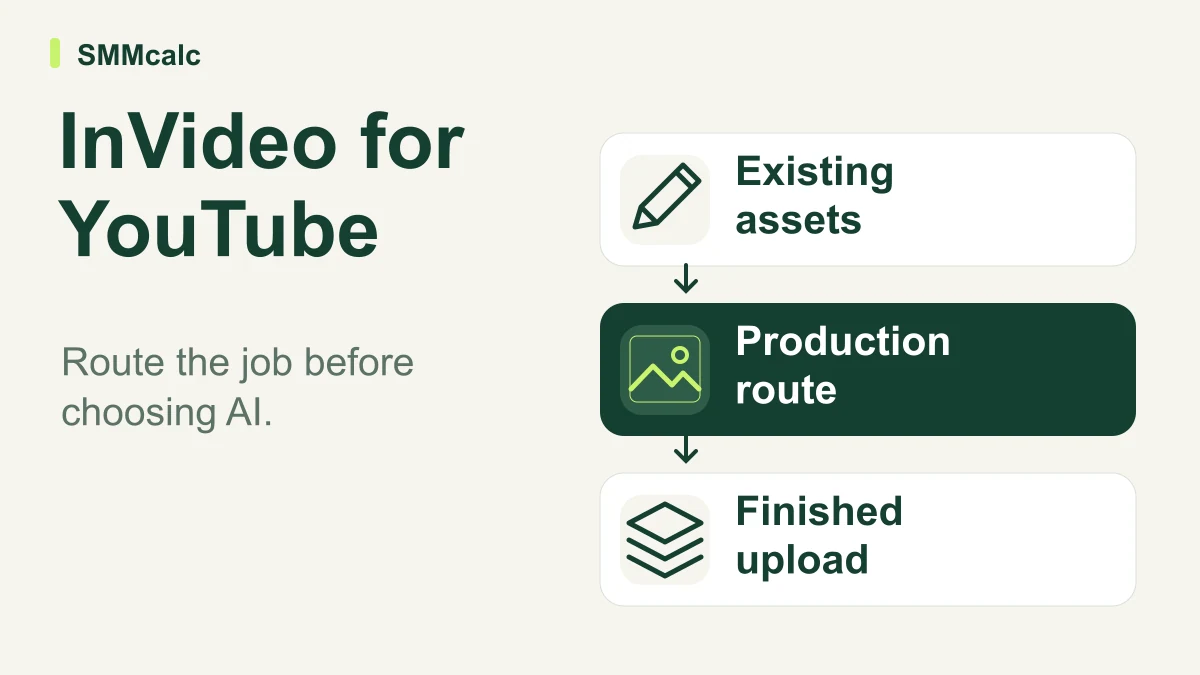
InVideo AI for YouTube makes most sense when you can name the production task you want help with. Starting from a researched script, cutting your own footage and extracting shorts from a completed interview are different jobs. The best fit depends on what you already have and which decisions you need to keep.
The useful promise is a clearer handoff between your editorial work and assisted production. Assess that handoff before comparing impressive demo reels. A tool can produce an attractive cut while making the wrong decision about what the video means.
Begin with the input, not the feature list
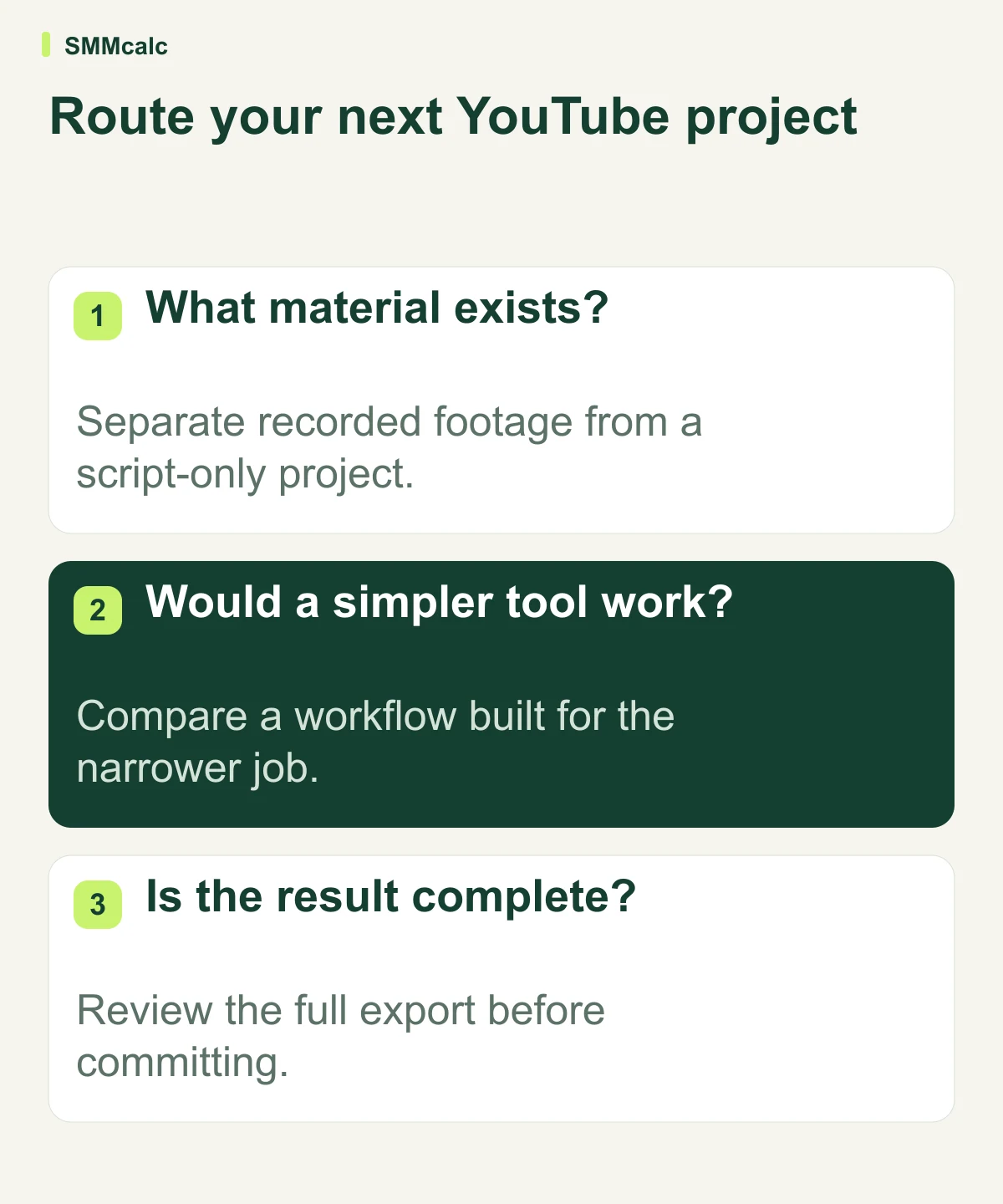
If the source is a finished recording, preserve the real performance and decide which moments merit a shorter treatment. If the source is a researched script, identify which statements need genuine evidence, a demonstration or a conceptual visual. If the source is unedited footage, establish the story and the material the editor must retain.
This distinction prevents a common purchasing mistake: rebuilding material you already own because a generator’s starting screen encourages a new prompt. The economical workflow may be a narrow editing task rather than generating every scene.
Where InVideo can fit into the workflow
InVideo documents an agent that can use a script and raw footage to assemble an editable rough cut. It also documents unscripted editing guided by an editorial objective. Those capabilities make it reasonable to evaluate the current editor for more than stock-footage explainers.
Give the agent a specific assignment with a target structure, must-keep moments and exclusions. Ask for a draft you can inspect rather than an unspecified finished masterpiece. A bounded request makes mistakes easier to detect and revisions easier to describe.
The central strength is the possibility of delegating assembly while retaining the argument and final approval. The limitation is equally clear: a generated sequence can omit context, select an unrepresentative take or weaken a deliberate pause. Editable output allows correction; it does not remove the need to notice the problem.
A practical routing map for three common jobs
| Your starting material | First workflow to evaluate | Keep responsibility for |
|---|---|---|
| A completed interview or webinar | Extract useful clips from the existing performance. | Context, quotation accuracy and whether the excerpt stands alone. |
| An original researched explanation | Build visuals around the approved script. | Sources, illustrative accuracy and the logic of the explanation. |
| A collection of your own raw footage | Request a clearly scoped rough cut. | Story, performance choice, continuity and final pacing. |
This is a decision aid, not a ranking of products. A creator can use more than one route across a channel. The important point is to avoid paying for a broad production process when the actual job is narrower.
A hypothetical project handoff
Imagine an educator preparing a video about organizing a small workshop. She has a written explanation, close-ups of the actual tools and a recorded demonstration. Her brief asks for the explanation in script order, retains the complete safety instruction and uses only her real footage to show the tool in operation.
She reviews the resulting cut against those requirements. If the agent replaces a necessary demonstration with a more attractive but unrelated scene, the draft fails even if it looks polished. If the structure works but one pause feels rushed, she can assess whether that local correction is straightforward enough for a repeatable workflow.
No outcome is assumed in this example. Its purpose is to give the trial a pass/fail standard that reflects the actual publishing job, instead of rewarding the software for generating something quickly.
Preserve the brief and approved script alongside the finished cut. If you later delegate another video, reuse the editorial requirements that proved useful rather than copying the previous video’s content. A repeatable handoff should standardize quality control while leaving room for a different story.
Compare narrower tools when the job is narrower
Opus Clip presents a long-video-to-short-clips workflow. It belongs on the shortlist when your main task is extracting useful moments from existing recordings. Compare its selection and correction process with the broader editing route rather than assuming a new generated video is necessary.
Pictory offers script and URL-to-video routes. It is a relevant alternative to investigate when your starting asset is written content. Inspect how your actual explanation survives the conversion; a feature label alone does not establish that the resulting visual story is appropriate.
What to inspect before approving the upload
- Meaning: The cut preserves the intended explanation and necessary qualifications.
- Evidence: Illustrations are distinguishable from authentic footage or proof.
- Sound: Names, emphasis and transitions remain understandable when listening without looking.
- Visuals: Captions, charts and demonstrations are readable at the expected viewing size.
- Ownership: Supplied assets and voices are authorized for the intended publication.
Also inspect the final beginning and ending independently of the middle. A generated introduction may overstate what the video establishes, while a generic closing may fail to give viewers the next useful action. These are editorial decisions even when the software offers to make them.
Choose the smallest successful production change
Run one representative project through the proposed workflow and track preparation, corrections and approval effort. Compare the finished result with your present process using the same standard. Avoid treating unreviewed output as finished work in either comparison.
Consult InVideo’s unscripted-editing explanation for the documented approach. Keep your current workflow if the new handoff creates more explanation and checking than it removes; adopt it when the specific task becomes easier without weakening the video.