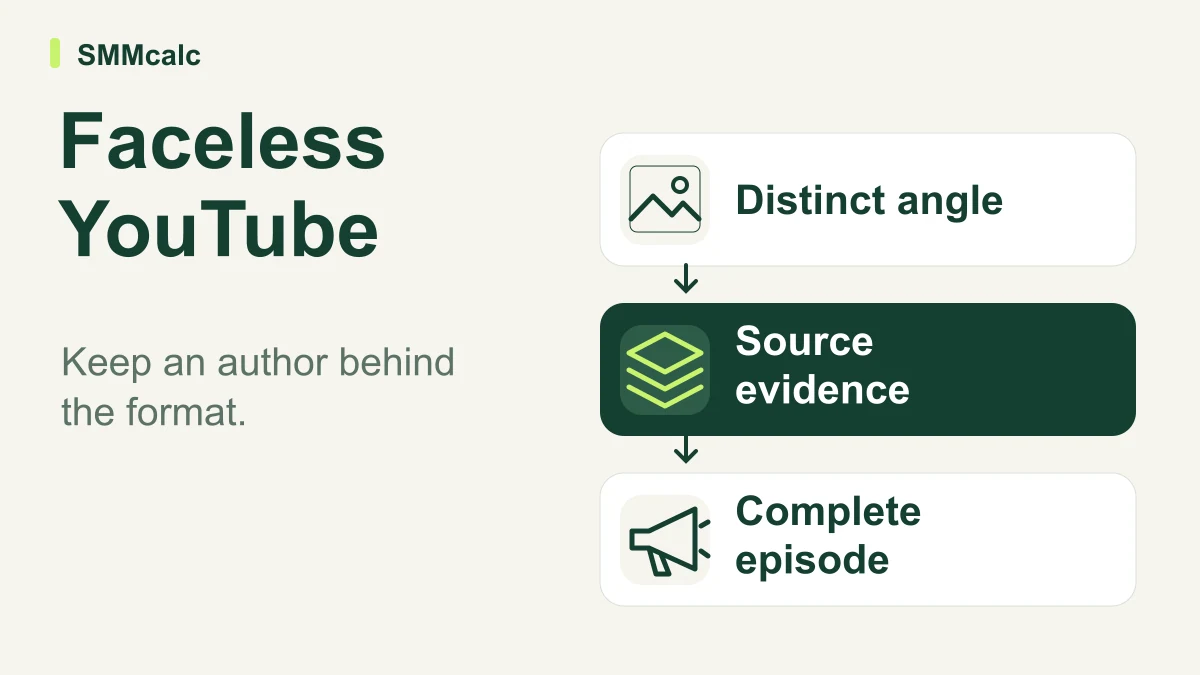
InVideo AI can help a faceless YouTube workflow when you already know what your channel contributes. It can assist production; it cannot supply the judgment that makes a subject worth explaining. If every video could appear unchanged on a hundred other channels, producing it faster does little to build a recognizable identity.
For this use case, the decisive test is consistency across a small series. A single attractive draft can hide weak research, awkward visual choices or a voice that does not hold up over multiple episodes. Evaluate the process you would repeat each week.
Faceless does not mean authorless
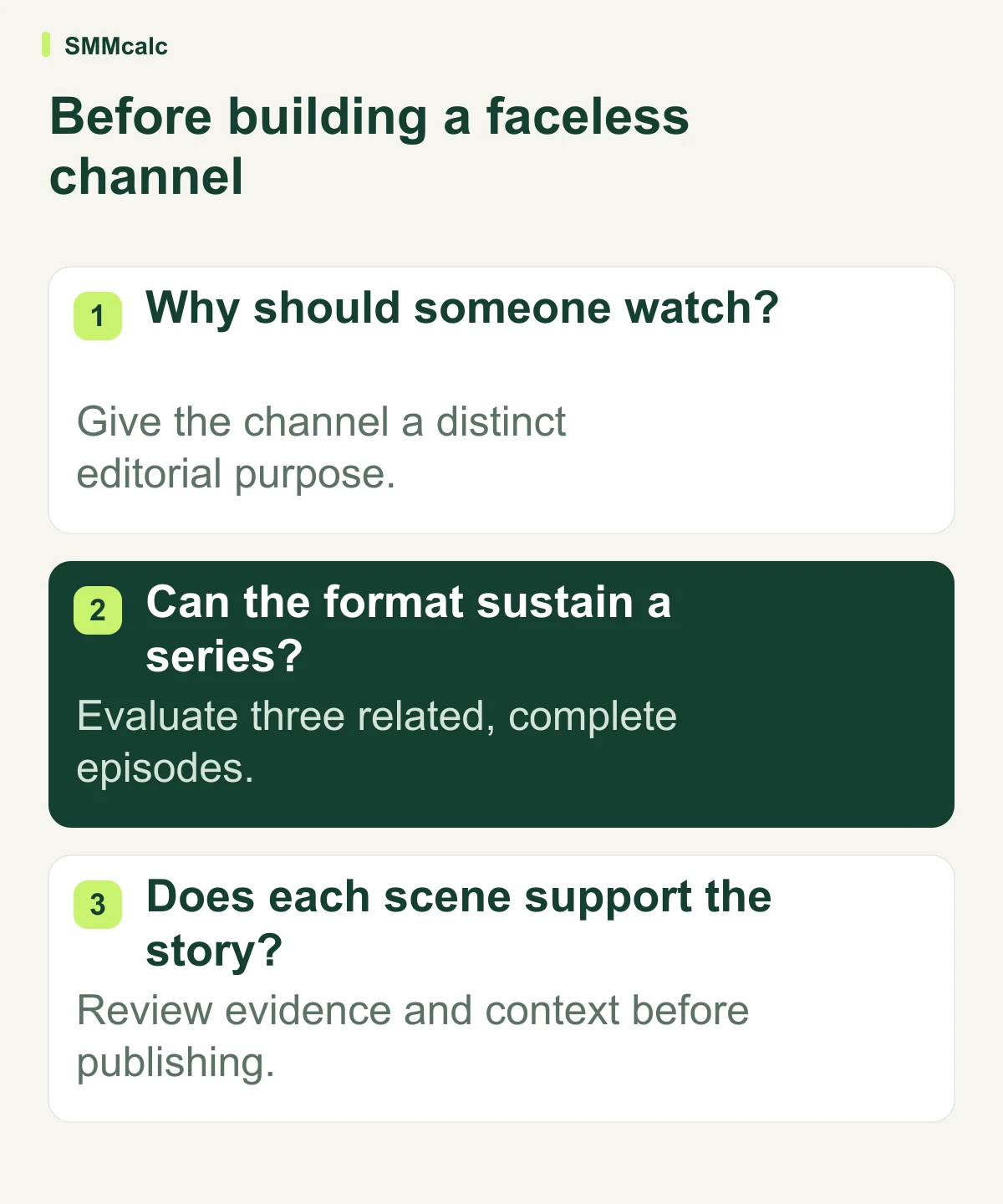
Choose a promise a viewer can recognize: explain a difficult idea clearly, compare competing interpretations, or show how to complete a practical task. That promise should determine which facts belong in the script and what the images need to demonstrate. It should also tell you when a stock or generated scene adds little.
A history explainer, for example, needs clear separation between authentic evidence and illustrative reconstruction. A software tutorial needs accurate current interfaces or an honest conceptual explanation. A channel can remain off camera while taking responsibility for both distinctions.
Write a short editorial rulebook before scaling production. Specify the level of explanation, acceptable evidence, narration style and visual conventions. These choices can make the channel coherent even when individual subjects change.
What the production tool can contribute
InVideo’s official material describes script-driven creation and an editing workflow that can incorporate supplied footage. This creates a useful division of work: you supply the researched argument and select the essential evidence, then assess whether assisted assembly reduces repetitive production work. Do not confuse that arrangement with outsourcing factual responsibility.
Keep a master script outside the generated draft so that you can compare the narration with the intended meaning. Check names, dates and qualifications after revisions. An apparently smoother sentence can change a careful explanation into a stronger claim than the evidence supports.
Review voice and visuals together. A calm explanatory script paired with unrelated dramatic imagery can mislead even when each spoken sentence is technically accurate. Consistency comes from the relationship between the argument and its presentation.
Run a three-video channel check
As a hypothetical exercise, plan a short series about maintaining a home workspace. Make one introductory explanation, one practical demonstration and one follow-up answering a narrower question. Use the same narration principles and visual conventions for all three.
| Video | What it reveals | Question to answer |
|---|---|---|
| Introduction | Whether the channel promise is clear. | Does the viewer understand what this channel helps them do? |
| Practical explanation | Whether the images support the instructions. | Could someone follow the explanation without guessing? |
| Follow-up | Whether the format survives a narrower subject. | Does this feel like the same channel rather than another template? |
Use topics you understand well enough to verify. Record every correction required to make the series publishable: narration, footage choice, explanation, continuity and any missing source. This is an acceptance exercise, not a prediction of views, revenue or recommendation-system behavior.
Keep the evidence for each episode beside its script. When the narration changes, check that the corresponding source still supports the new wording. This small habit makes later corrections easier and helps preserve the same standard when you bring another writer or editor into the channel.
The limitations that matter for a real channel
A polished illustration is not evidence that an event happened or a product performed as shown. Label a reconstruction when viewers could reasonably mistake it for documentary material. Replace unsupported visual detail with an explanatory diagram when accuracy is more useful than realism.
Repetitive imagery can also weaken an otherwise sound explanation. If the same generic scenes carry every idea, viewers have little visual help understanding the distinctions in the script. Budget time for selecting or creating assets that do actual explanatory work.
The product’s current editor should be assessed directly rather than dismissed as a rigid template engine. InVideo now documents an editable timeline; that does not establish that its controls, output or review burden will suit your particular series. A representative project is a better guide than either a blanket endorsement or an outdated limitation.
Who should consider it, and who should wait
Consider it if you can write or commission an informed script, recognize inaccurate visuals and maintain a repeatable publishing format. A solo educator with a clear backlog of explanations has a more defined production problem than a beginner who has not chosen an audience or point of view.
Wait if the channel plan depends on effortless volume or immediate monetization. Also keep your existing workflow if distinctive animation, carefully recorded demonstrations or precise performance editing is the core value of the videos. Compare the complete production process before replacing tools that already work.
Measure the work behind the finished series
Track the time spent preparing evidence, writing, generating, correcting and approving each video. Note which tasks remain entirely yours. A workflow is sustainable only if the recurring work fits your actual schedule and the finished videos meet the standard promised to viewers.
Before subscribing, verify the allowance and export conditions available in your account. The official free-plan help currently describes limited credits, rather than an unlimited production environment. Do not build a publishing schedule around an old minute allowance or an assumed plan name.
Use InVideo’s free-plan documentation for current access details, then compare the series exercise with the full review at FilipKonecny.com. Upgrade only if the process improves the channel you actually intend to run.