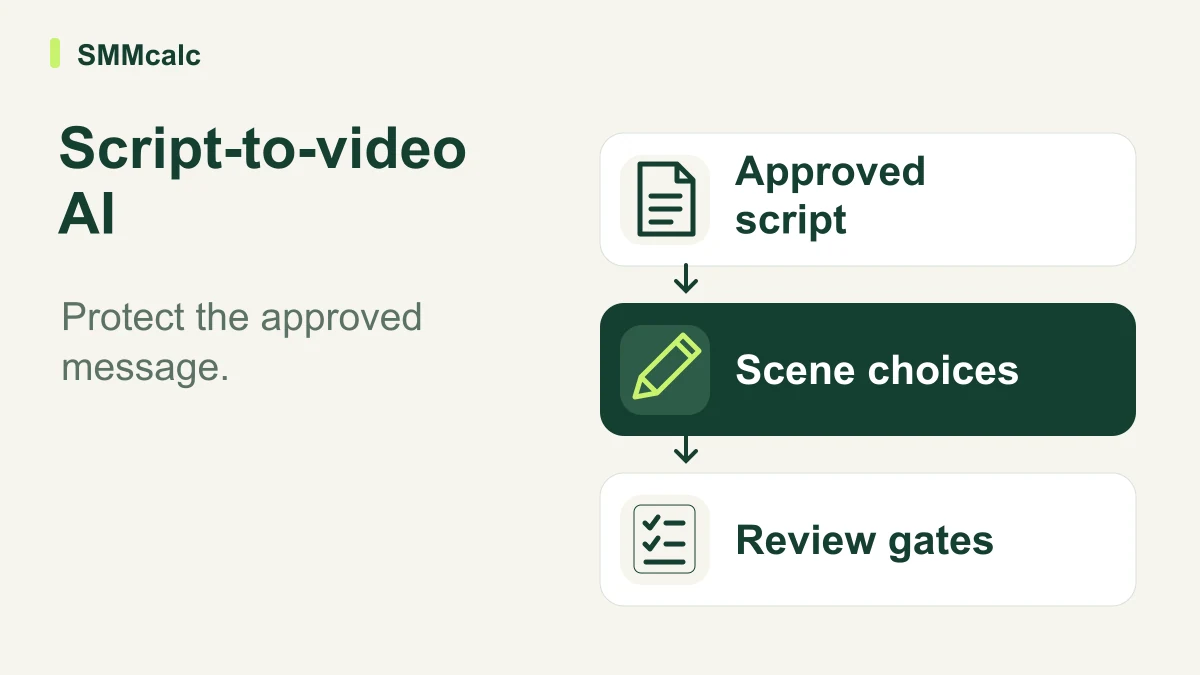
A business buying script-to-video AI should ask a more useful question than how quickly it generates a draft: can the team approve the finished video without rewriting its message? The software can assemble scenes and narration, but it cannot decide which promises your business is entitled to make.
The verdict: this workflow is worth evaluating for repeatable explainers, onboarding material and social content with a clear script. Keep a conventional production process when the video depends on precise demonstrations, original reporting or a person whose presence is central to the message.
Lock the message before you generate scenes
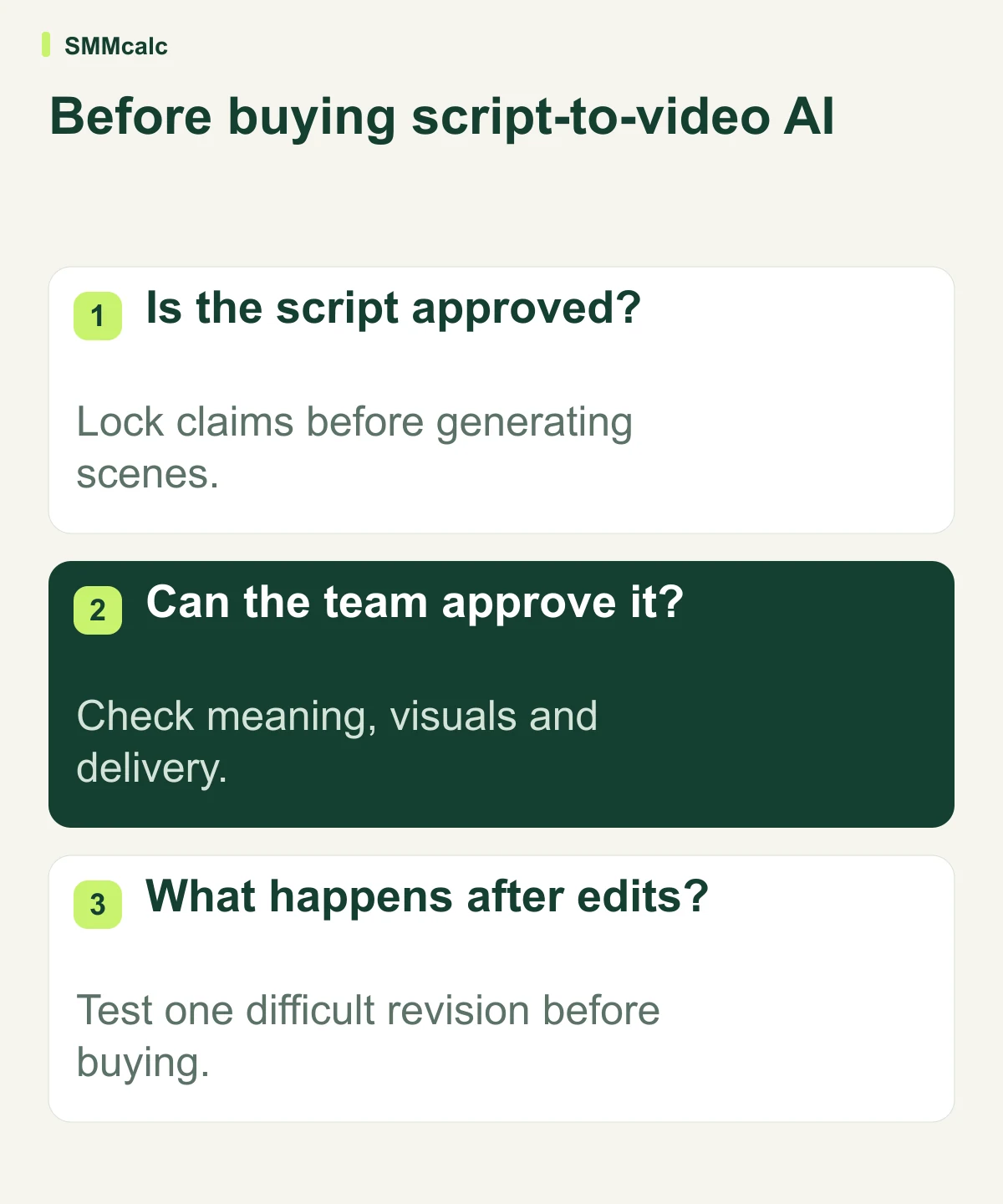
Start with an approved script, an intended audience and one desired action. Mark product names, evidence, qualifications and any wording that must remain unchanged.
Separate the spoken script from visual instructions. “Show the actual settings screen” is a production note; putting it inside the narration can create an awkward video and obscure the information the viewer needs.
The next question is whether the tool preserves those boundaries. During evaluation, request one change to the visuals without changing the script, then change one sentence and check the surrounding scenes and timing.
Compare the workflow you need
Official documentation describes all three products as routes into generated video, but the relevant buying scenarios differ. Use this matrix to form a shortlist rather than treating every feature as equally valuable.
| Candidate | Useful scenario to test | Decisive acceptance question |
|---|---|---|
| InVideo | Directing a video from a script or brief | Can the team make targeted revisions without losing the approved message? |
| Pictory | Turning existing written material into scenes | Do the storyboard and chosen visuals explain the text accurately? |
| JoggAI | An avatar-led product or business presentation | Does the presenter format suit the audience and the way the message should be delivered? |
If the first scenario matches your team, explore InVideo’s current workflow and plans. Confirm current allowances and commercial terms directly rather than relying on an old headline subscription price.
A practical pilot: one explainer, three review gates
Use an existing business assignment, such as a short explanation of how customers book a service. Give the tool the actual steps and approved language; do not ask it to invent policies, guarantees or customer results.
Gate one is factual accuracy. Check every spoken claim and every visual implication against the brief. A polished scene showing a feature you do not offer is a failed draft, even if the words are technically correct.
Gate two is viewer comprehension. Ask a colleague unfamiliar with the assignment what the video explained and what they would do next. Their response is more useful than simply asking whether the video looks professional.
Gate three is revision control. Have the normal approver request a realistic correction, such as changing a step or replacing a misleading visual. Record whether the change is local and predictable or forces the team to inspect the whole video again.
Calculate cost per approved video
A subscription is only one part of the cost. Include preparation, generation allowances, retries, review time and any finishing work performed in another editor.
Hypothetical example: a team pays $60 for software during a month and spends six hours on production and review, valued internally at $30 per hour. If six videos are approved, the combined cost is $40 per approved video: ($60 + $180) ÷ 6.
If only three of the same drafts become usable, the example rises to $80 per approved video. That change explains why judging output volume alone can produce a misleading business case.
Use your actual subscription quote and labor assumptions in this calculation. The example is a decision model, not a product price, earnings claim or promise that automation saves a particular amount.
Who benefits, and who should wait?
A team with approved scripts, recurring assignments and a named reviewer has a clear basis for evaluation. It can compare the new process with its existing one and decide which work should remain manual.
A business with no content strategy should first decide what customers need to understand. Generating more drafts before resolving that question can increase review work without producing a useful asset.
For a founder who publishes occasionally, a simple editor and recorded narration may be enough. For a specialist training video, original screen recordings or a human demonstrator may carry information that a generic visual sequence cannot replace.
Check the details that a demo can hide
Inspect the plan you would actually purchase for export quality, branding, usage allowances and the people who need access. Also confirm whether your approval process requires downloadable project files, reusable templates or a way to hand work to another editor.
Use nonconfidential sample material until your team has assessed how the service handles uploads and generated content. That check matters when business scripts include customer details or information that has not been released publicly.
Do not assume a trial contains the paid features you need or that an attractive annual rate is the right initial commitment. A short evaluation is valuable only when it answers the specific questions behind the purchase.
Make the decision after the difficult revision
Choose the tool that gets a representative script through your real approval process with less total work. The strongest candidate should preserve factual meaning, support predictable corrections and produce an export your team is willing to publish.
Keep the pilot small, document why drafts fail and repeat the process on a second assignment. If approval time expands, improve the brief or retain the existing workflow before adding more production volume.
Workflow descriptions were checked against InVideo, Pictory’s script-to-video documentation and JoggAI’s video-generation guide.