
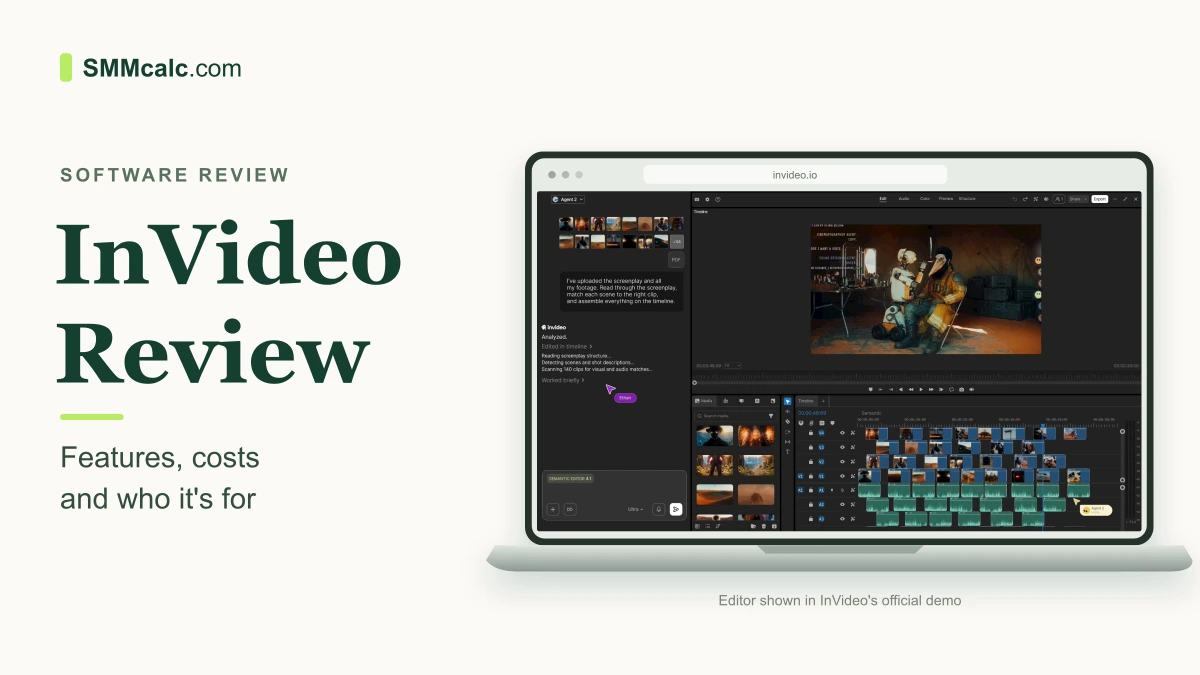
InVideo is an online video editor with AI tools that can help put a video together for you. Upload your clips, describe the changes you want, then edit the result yourself if needed. It is worth considering for regular social videos and marketing content, especially if starting the edit is what slows you down.
The main attraction is the combination of AI help and an editable timeline. The main drawback is that AI work uses credits, and a generated edit can still need corrections. Here is what that means in practice.
What does InVideo actually do?
InVideo lets you work with your own recordings as well as AI-generated pictures and video. Its current editor can take instructions in ordinary language, while keeping the individual clips, sound and other elements available for manual changes.
- Help with a first edit: an AI agent can look through footage, choose takes and put together a draft. You still decide whether the chosen moments tell the right story.
- Make repeated changes: you can ask the agent to remove pauses or apply a change across several clips, rather than doing each one separately.
- Edit by hand: move clips, change their length and adjust picture or sound on the timeline. You do not have to ask the AI for every small correction.
- Create extra visuals: use the available AI models to generate an image or video shot when you need an illustration. Access to models depends on the plan.
InVideo's product page shows these editing tools. You can ask the AI to get a video started and make your own changes to the result.
An example: making a short product video
Suppose you sell handmade bags and have filmed the pockets, stitching and strap. You could upload those clips and ask InVideo to turn them into a short vertical video introducing the bag. The AI can help assemble the first version, leaving you to change the order, remove a weak shot or adjust the sound.
Use the real product footage for details a customer needs to see. A generated shot of a different pocket or fastening would make the advertisement misleading, even if it looked attractive.
Is InVideo free, and what do you pay for?
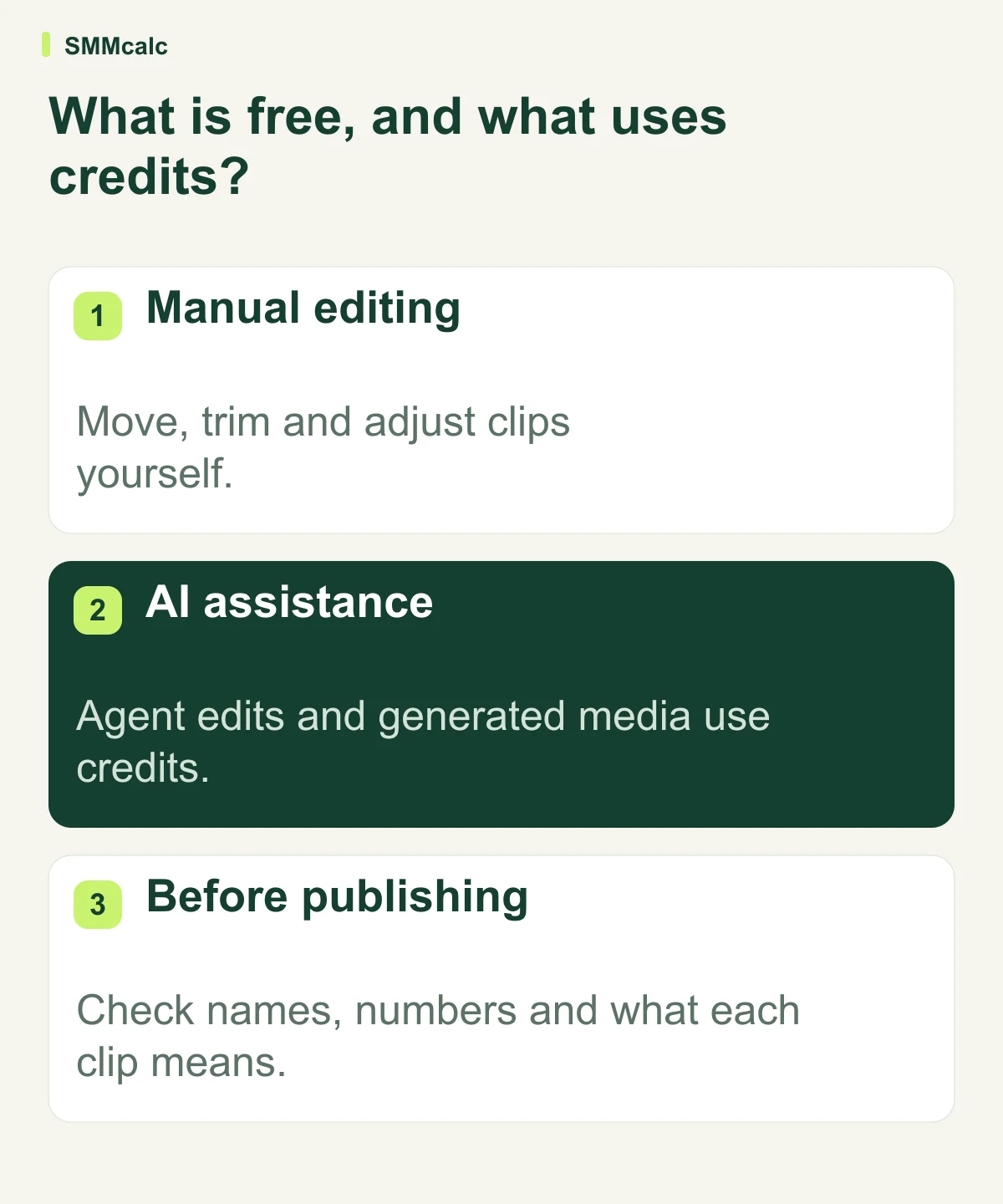
InVideo's editing FAQ says manual timeline editing and video exports are free, without a watermark. AI agent work and AI-generated media use credits. That includes asking an agent to examine your footage or create an edit for you.
Paid plans provide an AI allowance and different levels of access. When checked on October 29, 2026, the pricing page advertised Starter at $10 per seat per month with annual billing. That is an annual-billing offer, not a month-to-month quote; check the current total before paying.
The important cost to understand is repeat AI work. Different actions and models can use different amounts of credit, so a subscription is not a promise of unlimited video creation. The pricing page also says unused credits do not roll over to the next month.
What are the drawbacks?
You remain responsible for the finished video. Check names, numbers, captions and the meaning of the chosen clips. AI assistance does not establish that a product claim is true or that a shortened quote preserves what the speaker meant.
More attempts can mean more spending. Repeated AI edits and new generated scenes can use more credits. If you only need to trim a few clips occasionally, paying for a larger AI allowance may add little value.
Verdict: who should use InVideo?
InVideo is a sensible option for creators and small marketing teams that want help getting videos started and still want to make their own edits. Its value is clearest when you publish regularly and repetitive editing takes time away from planning or filming.
It is less compelling if you already finish your videos easily in another editor, or if you expect the AI to produce accurate, publishable work without your involvement. Start with the manual editor or a modest allowance rather than buying capacity you have no reason to use.
